Most clinic websites don’t fail because of design—they fail because of friction.
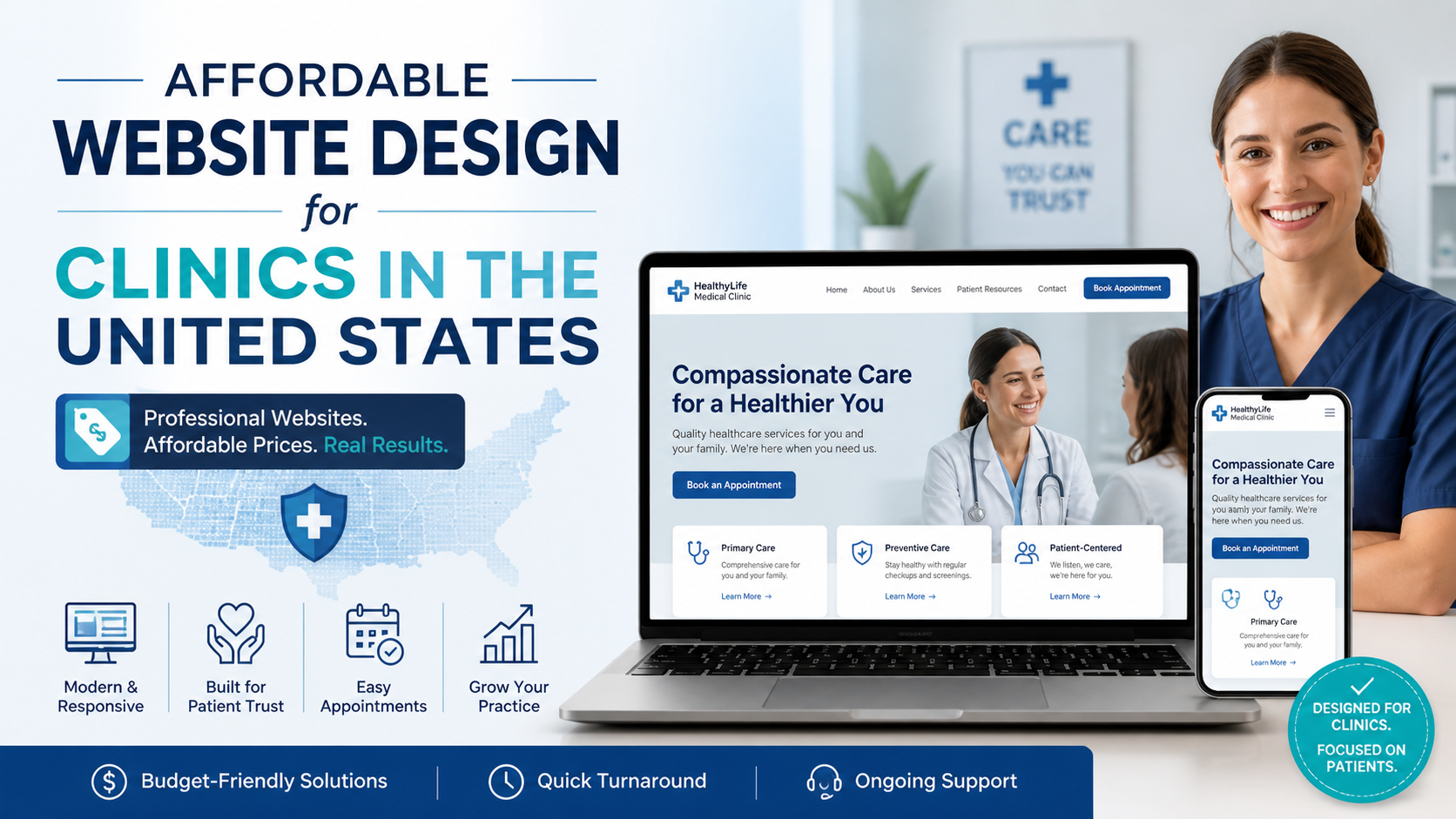
A slow-loading appointment form, confusing navigation, or broken mobile layout doesn’t just look unprofessional—it directly affects how many patients actually book a visit. That’s where Affordable Website Design for Clinics in the United States often gets misunderstood. “Affordable” ends up meaning “quick theme setup,” not “built to convert.”
And that gap shows up in missed enquiries, abandoned bookings, and lower trust.
Clinics usually don’t notice technical issues until something breaks.
From a developer’s perspective, the common problems are predictable:
The result? A site that technically works—but doesn’t perform.
According to Google’s Core Web Vitals guidelines, page speed and interaction delays directly affect user experience and rankings. For a clinic, that translates to:
A healthcare website is not just informational—it’s transactional. People visit with intent.
The phrase Affordable Website Design for Clinics in the United States should not mean cutting corners.
It should mean:
Affordability comes from efficiency—not from removing essential functionality.
A proper setup by a WordPress professional ensures you’re not paying later in fixes, downtime, or lost leads.
Here’s where most clinics unknowingly make the wrong choice.
| Aspect | Theme Installer Approach | Developer Approach |
|---|---|---|
| Setup Time | Fast | Structured & planned |
| Performance | Often slow | Optimized from start |
| Flexibility | Limited | Fully customizable |
| Maintenance | Breaks easily | Stable & scalable |
| Conversion Focus | Minimal | Built around user flow |
Most agencies sell speed of delivery. A developer focuses on long-term stability.
You don’t need to check code to spot issues. These are visible indicators:
If this sounds familiar, the problem isn’t design—it’s implementation.
A clinic approached me with a site loading in 5+ seconds on mobile.
The previous team had installed:
Cause: Plugin conflicts and unoptimized assets
Fix:
Outcome:
Load time dropped to under 1.5 seconds.
Within a few weeks, the clinic reported fewer drop-offs during appointment booking—not because of design changes, but because users could finally interact with the site without delays.
Healthcare sites handle sensitive information—even basic contact forms.
Yet many clinic websites run with:
This is risky.
Following WordPress.org’s hardening guide is not advanced—it’s basic hygiene.
A compromised site doesn’t just go down—it damages trust.
What agencies often focus on:
What a developer focuses on:
Design attracts users. Performance keeps them.
A common issue I see:
Users land on a homepage but struggle to:
This isn’t a design issue—it’s a structure problem.
A properly coded navigation system (not plugin-heavy menus) ensures:
If booking takes more than 2–3 steps, you’re already losing potential patients.
Many clinics opt for low-cost packages expecting savings.
What actually happens:
You don’t pay once—you keep paying.
A technically sound build avoids these recurring costs.
If you’re evaluating someone for your clinic website, ask:
If the answers are vague, the implementation will be too.
Even a well-built site needs upkeep.
Updates, backups, monitoring—these aren’t optional.
This is where ongoing maintenance plans like
WordPress Maintenance Services
become essential—not as an add-on, but as a safeguard.
Similarly, if your site already feels slow, a focused
WordPress Speed Optimization Service
can fix structural issues without rebuilding everything.
If your website feels slow, confusing, or not converting, this is exactly the type of audit and restructuring I provide for my clients.
Sometimes the fix isn’t redesign—it’s removing inefficiencies.
In cases where the structure itself is limiting growth, a rebuild through
custom WordPress development
makes more sense than patching issues repeatedly.
Affordable Website Design for Clinics in the United States is not about reducing cost—it’s about eliminating waste.
Waste in load time.
Waste in user clicks.
Waste in missed opportunities.
Most websites try to impress users. The best ones remove friction. And that difference is what users remember—and what businesses profit from.