shape shape shape shape shape
WordPress Malware Removal Service

WordPress Malware Removal Service

Fix Hacked WordPress Site Immediately in India
Your WordPress site is infected, your traffic has tanked, and Google may have already blacklisted you. You need someone who doesn’t just run a scanner and hope for the best — you need a developer who manually cleans every infected file, repairs your database, and makes sure the malware stays gone. I provide professional WordPress malware removal for businesses across the United States. No automated tools that miss half the infection. No temporary fixes that let hackers walk back in a week later. Just thorough, manual WordPress malware cleanup that restores your site to full health and keeps it that way.

Your Website Is an Asset — Malware Is Stealing From It Every Hour It's Infected

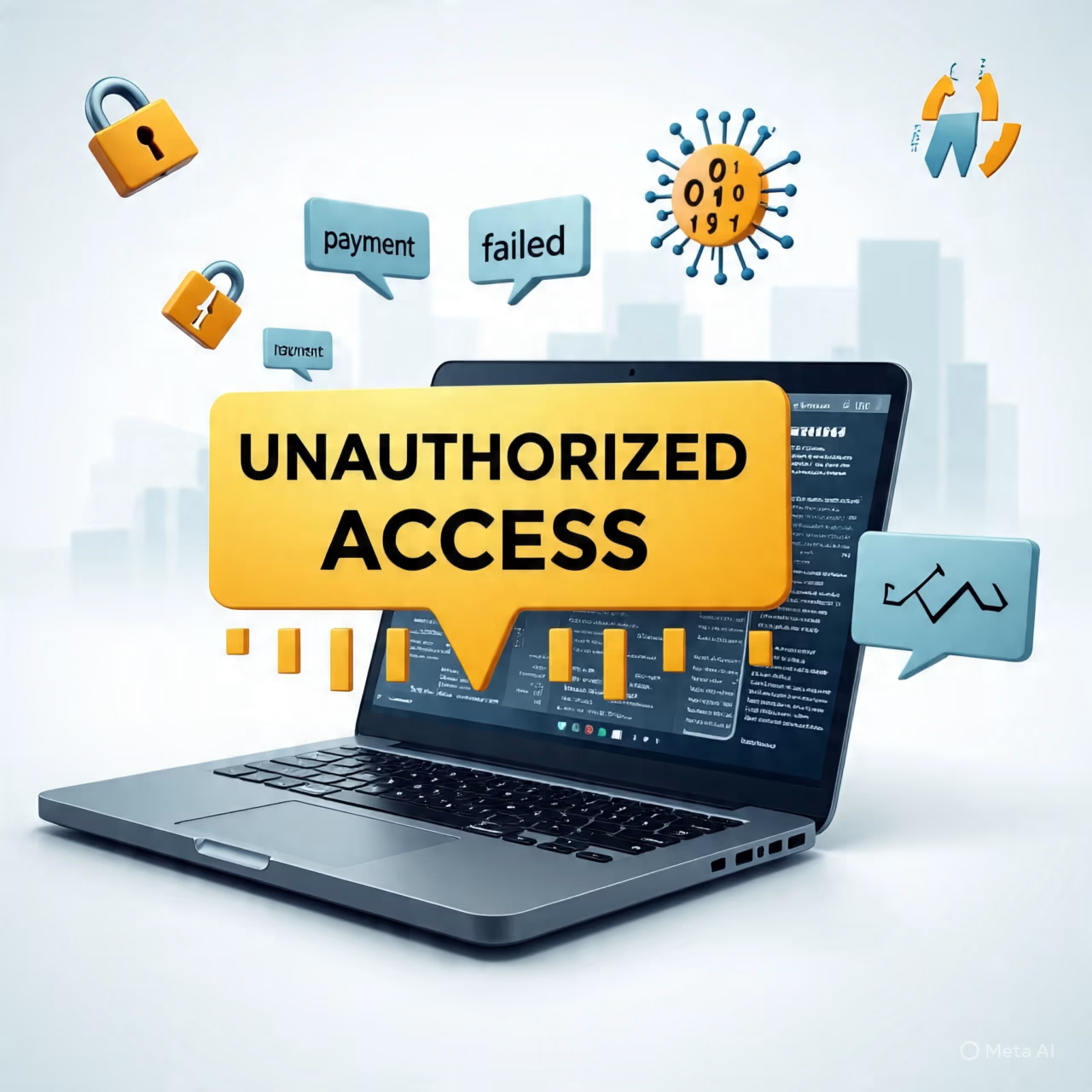
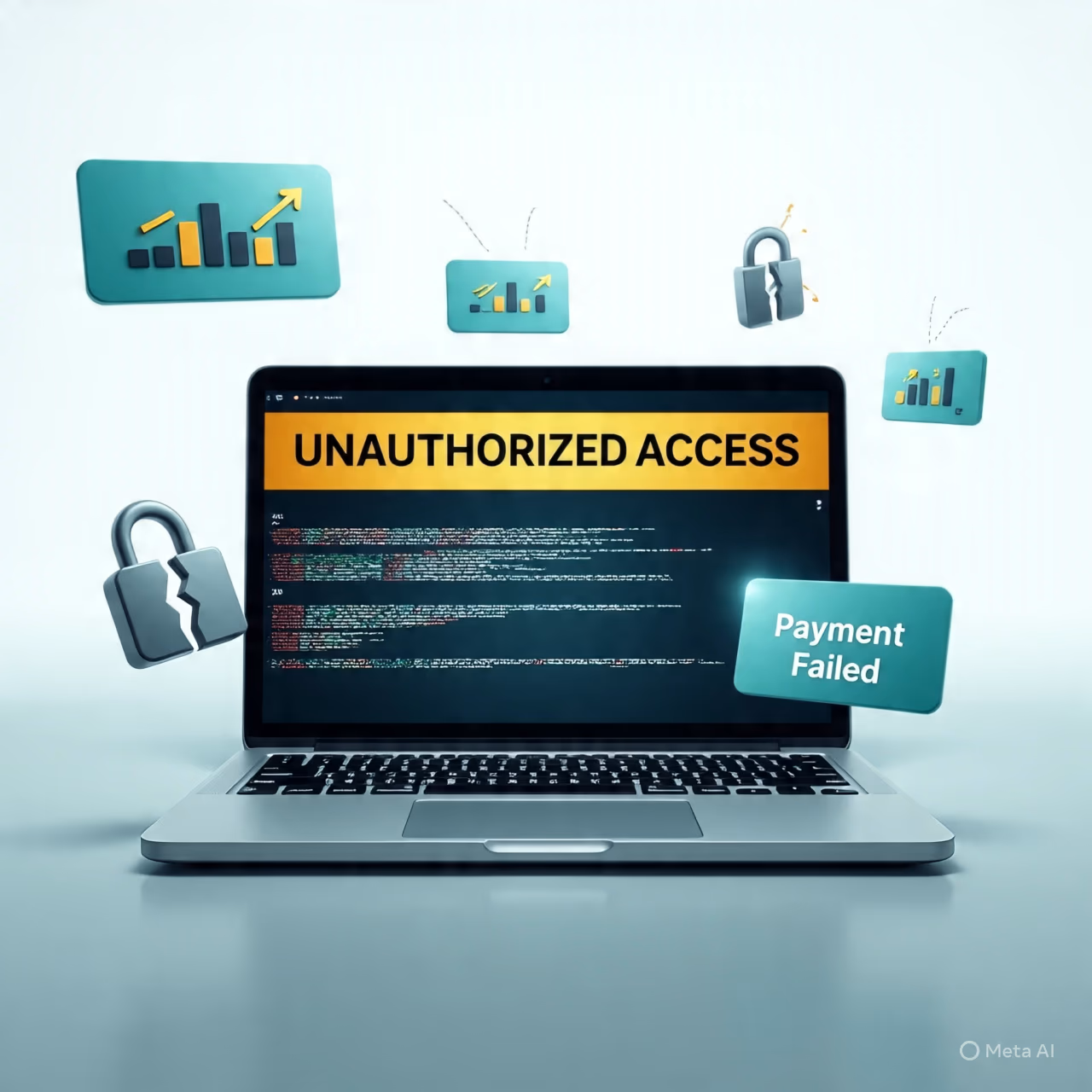
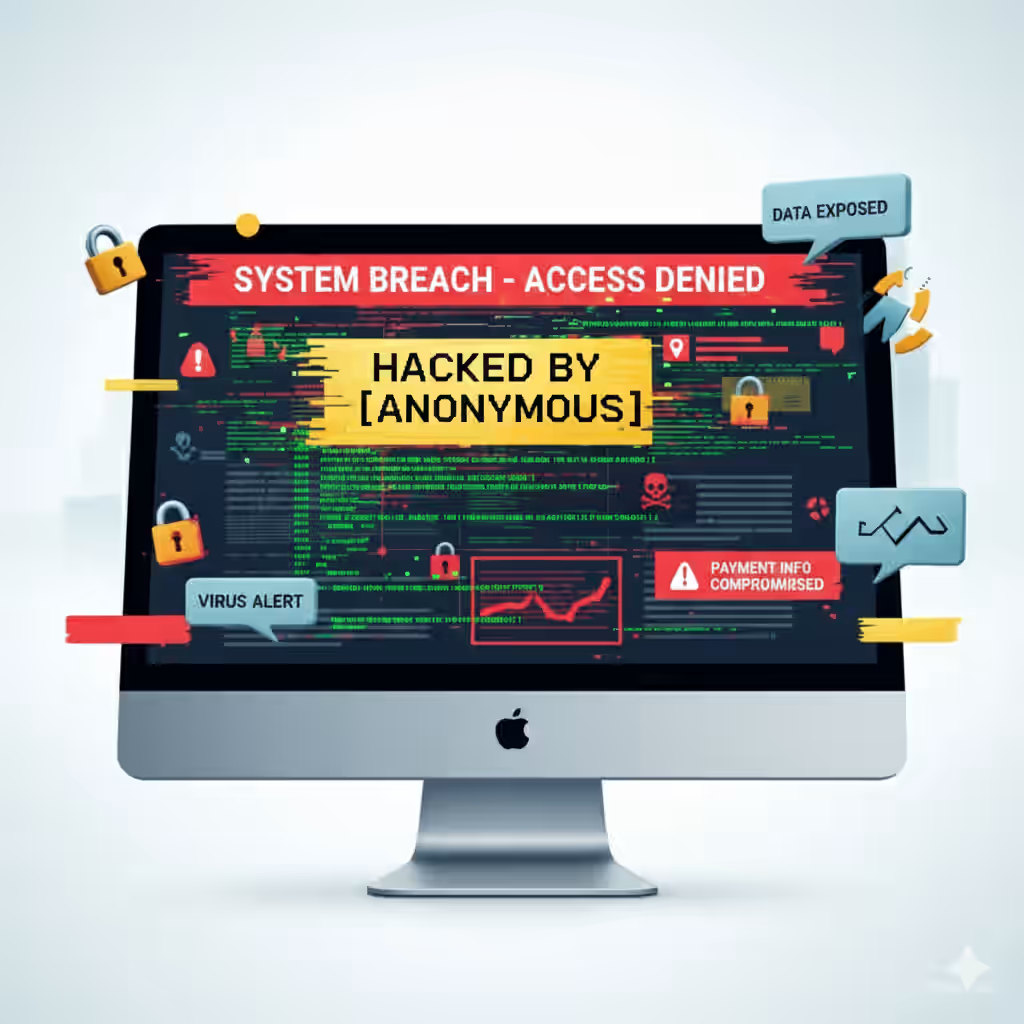
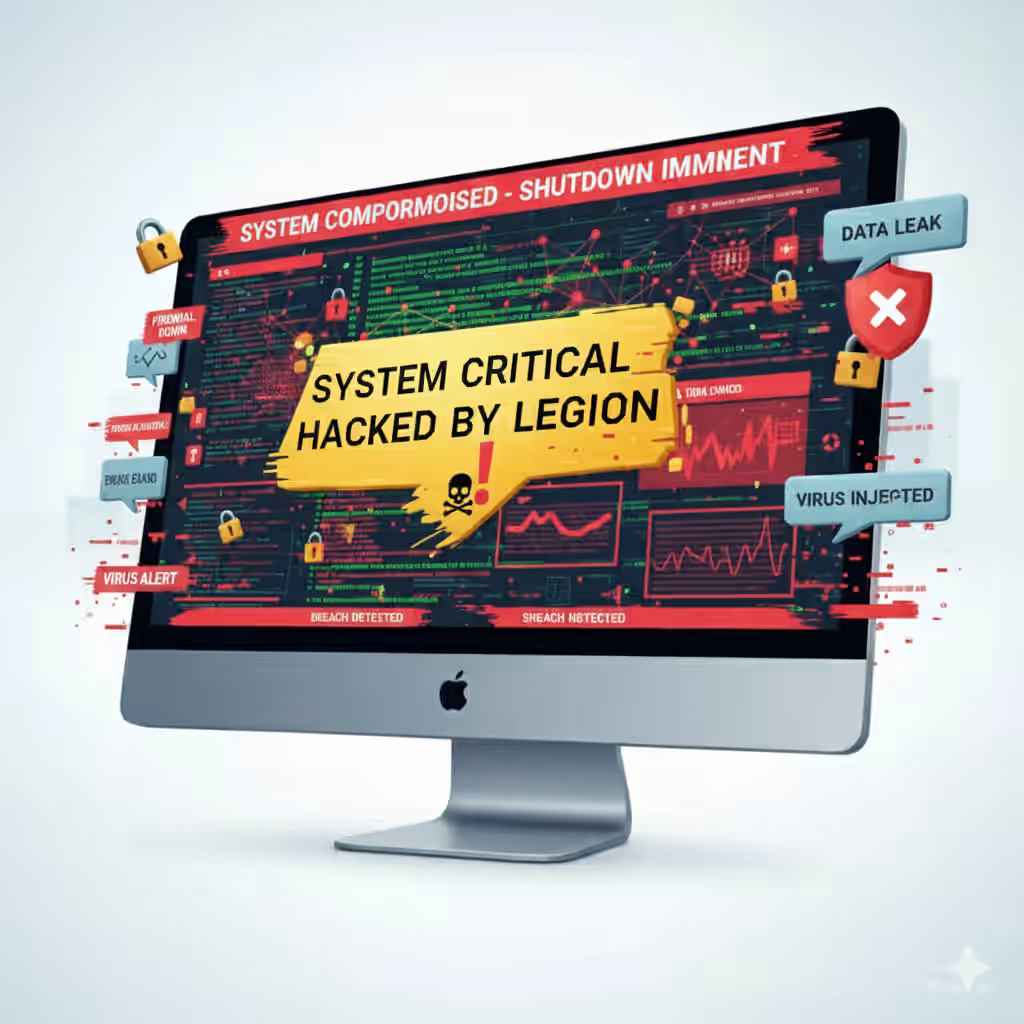
Most business owners don’t realize their WordPress site is infected until the damage is already severe. Traffic drops suddenly. Google displays a red warning screen telling visitors your site is dangerous. Your hosting company suspends your account. Customers call asking why their antivirus blocked your website. Each of these is a symptom of the same underlying problem: malicious code running silently on your server, stealing data, redirecting your visitors, and destroying the trust you’ve spent years building.

The clock is ticking. Every hour your site remains infected, Google’s trust in your domain erodes further. Recovery from a blacklisting can take weeks — and during that time, your business is invisible to search engines. When you need to remove malware from WordPress, speed matters. But so does thoroughness. A rushed job that leaves behind a backdoor means reinfection within days. A proper WP malware removal process addresses the infection at its root: compromised files, injected database entries, unauthorized admin accounts, vulnerable plugins, and server-level security gaps. That’s what I deliver — complete, manual cleanup that ensures the malware is gone for good, not just hidden temporarily.

How I Work

Helping Businesses Succeed Online

Visitors Overview WordPress Analysis
01

Understanding Your Business Needs

Research & Planning Analysis Digital Marketing
02

Research & Planning

Optimization & Growth of WordPress Sites
03

Optimization & Growth

Manual WordPress Malware Cleanup — Not Just an Automated Scan

Automated WordPress malware scanner tools serve a purpose — they can flag suspicious files quickly. But they can't replace human expertise. Scanners operate on pattern matching: they look for known malware signatures. They miss zero-day exploits, custom obfuscated code, and deeply hidden backdoors that don't match any existing pattern. They also generate false positives that, if acted on blindly, can break your site. When I perform a WordPress malware scan, I don't just run a tool and email you the report. I manually review every flagged file, trace the infection to its source, identify how the attacker got in, clean the malicious code by hand, and close the security gap that allowed the breach. That's the difference between a malware removal service that actually solves the problem and one that just checks a box.

It’s Urgent to Fix Hacked WordPress Site in India
Hacked WordPress Site fix by freelancer in india

How Hackers Get Into WordPress Sites — and How I Keep Them Out After Cleanup

Understanding how your site was compromised is essential to preventing reinfection. In my experience performing hundreds of WordPress hack cleanup operations, the most common entry points are outdated plugins and themes with known vulnerabilities, weak admin passwords vulnerable to brute-force attacks, compromised hosting environments where one infected site spreads to others on the same server, and nulled or pirated premium plugins that contain hidden backdoors. When you hire me for WordPress security service work, I don't just clean the infection — I identify exactly how it happened and implement specific measures to prevent it from happening again. This includes hardening your wp-config.php file, implementing two-factor authentication, setting proper file permissions, disabling XML-RPC if it's not needed, changing all user passwords and secret keys, and installing a properly configured security plugin that monitors for future threats without slowing down your site.

Need Something Extra on Your Website?

Drop your phone number and website – I’ll take a quick look and suggest how we can make it work better for your business.

Complete WordPress Malware Removal Process — What I Do Step by Step

When you need to clean WordPress malware from your site, you need a systematic process — not guesswork. Here’s exactly how I handle every infected site.

My WordPress Malware Cleanup Methodology:

Step Action Why It Matters
1. Site Isolation Put the site in maintenance mode and take a complete backup. Prevents further damage and gives us a restore point if needed.
2. File System Audit Manually review every theme file, plugin file, and core WordPress file for malicious code. Automated scanners miss obfuscated and custom malware; human review catches what tools skip.
3. Database Inspection Examine all database tables — posts, options, users, meta — for injected scripts, hidden admin accounts, and spam content. Database infections are the most commonly missed vector; if not cleaned, reinfection is guaranteed.
4. Malware Removal Manually remove all malicious code from files and database entries. Clean removal means no leftover fragments that could reactivate later.
5. Vulnerability Identification Determine exactly how the attacker gained access — outdated plugin, weak password, compromised FTP credentials, etc. Without closing the entry point, even a perfectly cleaned site will be reinfected.
6. Core File Replacement Replace all WordPress core files with fresh, clean versions from the official repository. Ensures no system-level backdoors remain.
7. Plugin & Theme Audit Remove unused plugins and themes, update all active ones to latest versions, verify each from legitimate sources. Reduces the attack surface and eliminates known vulnerabilities.
8. Security Hardening Set proper file permissions, add firewall rules, disable file editing, implement login protection. Makes the site significantly more resistant to future attacks.
9. Malware Scanning Confirmation Run multiple independent scanners plus manual review to confirm complete removal. Verification that nothing was missed.
10. Google Blacklist Removal Submit reconsideration request if site was blacklisted, assist with Google Search Console cleanup. Restores search visibility and removes browser warnings.

Types of WordPress Malware I Commonly Remove:

  • Pharma hacks — Spam links to pharmaceutical sites injected into your pages, visible to search engines but hidden from visitors.
  • Japanese keyword hack — Auto-generated Japanese text appearing in search results for your site.
  • Redirect malware — Visitors are silently redirected to scam sites, often only on first visit or from specific referrers.
  • Drive-by downloads — Malicious scripts that attempt to infect your visitors’ computers.
  • Defacements — Your site content is replaced with hacker messages or unrelated content.
  • Cryptominers — Hidden scripts that use your server resources to mine cryptocurrency, slowing your site dramatically.
  • Phishing pages — Fake login pages added to your server to steal credentials, often for banks or email providers.
  • SEO spam — Hidden links and doorway pages designed to manipulate search rankings for other sites.

Warning Signs Your WordPress Site May Be Infected:

  • Sudden traffic drop in Google Analytics
  • Google Search Console warning about malware or hacked content
  • Browser displays “This site may be hacked” or red warning screen
  • Hosting company notifies you of suspicious activity
  • New admin users appear in your WordPress dashboard that you didn’t create
  • Unknown files or folders appear in your WordPress installation
  • Site loads extremely slowly for no apparent reason
  • Visitors report being redirected to other websites
  • Your site appears in search results with strange content or Japanese characters
  • Outbound links appear on your pages that you never added

Why a WordPress Security Scan Alone Is Not Enough:

A scan WordPress for vulnerabilities tool is a starting point, not a solution. Security scanners look for known patterns — they compare your files against a database of previously identified malware signatures. This works for common, well-documented infections. It fails completely for custom malware, zero-day exploits, and sophisticated obfuscation techniques that skilled hackers use to hide their code. Many infected sites I’ve cleaned had been “scanned” by multiple tools that reported them as clean — because the malware was too new or too cleverly hidden to match any known signature. When you need to remove malware from WordPress website completely, there is no substitute for manual inspection by someone who understands PHP, JavaScript, and MySQL at the code level.

The Cost of Delaying WordPress Malware Removal:

Every day your site remains infected compounds the damage. Google flags infected sites quickly — and once flagged, your search rankings plummet and may take weeks to recover even after cleanup. Your hosting company may suspend your account, taking your site completely offline. Visitors who encounter browser warnings lose trust in your business permanently. If customer data was compromised, you may face legal and regulatory consequences. And meanwhile, the malware may be using your server resources for criminal activity — sending spam emails, hosting phishing pages, or attacking other websites. A fast, thorough WP malware removal is not just a technical fix; it’s a business continuity priority.

After Cleanup — Real WordPress Security That Prevents Future Infections

Cleaning malware is only half the job. If you don't harden your site afterward, you'll be cleaning it again within months. My WordPress security service approach includes proactive measures that make your site significantly harder to compromise. I implement a Web Application Firewall to block malicious traffic before it reaches your site, configure real-time file integrity monitoring that alerts you if any file changes unexpectedly, set up automated daily offsite backups so you always have a clean restore point, enforce strong password policies and two-factor authentication for all users, limit login attempts to prevent brute-force attacks, and keep WordPress core, themes, and plugins updated on a regular schedule. Security isn't a one-time fix — it's an ongoing commitment. And I provide the foundation that makes it manageable.

fix hacked wordpress site

Google Blacklisted Your Site — Here's How to Get It Restored

Seeing your site flagged with "This site may be hacked" in search results is a gut-punch. But it's reversible. Google flags sites to protect users, not to punish you permanently. Once the malware is completely removed and verified clean, I submit a reconsideration request through Google Search Console with detailed documentation of the cleanup. Most sites are cleared within 24–72 hours after a successful request. I've handled this process many times and know exactly what Google's security team needs to see. After your site is cleared, I'll also help you monitor for any residual ranking impact and provide guidance on restoring your search visibility. The key is thorough cleanup — Google's review process is rigorous, and a superficial WordPress hack cleanup won't pass their inspection.

Technologies I Work With:
WordPress white logo
Javascript white logo
Jquery white logo
Shopity white logo
WIX white logo
php white logo
Squarespace white logo
Laravel white logo
AWS white logo
canva white logo
Woocommerce white logo
Javascript white logo
mysql white logo
CSS3 white logo
Mongodb white logo
Bootstrap white logo
google cloud platform white logo
adobe xd white logo
HTML5 White logo
typescript white logo
Wave Wave

Frequently
Asked Questions

Can’t find what you are looking for?

Have questions? I’m just a message away.

This is the question I hear most often, and it's important because many business owners don't realize their site is infected until significant damage has already occurred. Malware often operates silently, and the visible symptoms appear only after the infection is well-established. Here are the specific signs that indicate you likely need WordPress malware removal.

The most obvious red flag is a warning from Google. If you see "This site may be hacked" in your search results, or if your browser displays a red warning screen when you try to visit your site, Google has detected malicious content and is warning users away. This is actually a good thing — it means the infection has been identified before it could cause more damage. The bad news is that your traffic has already plummeted, and every day the warning remains active erodes your reputation.

Unexplained traffic drops are another common indicator. If your Google Analytics shows a sudden, dramatic decline in visitors without any obvious cause — no algorithm update, no seasonality, no change in marketing spend — malware may be the culprit. Sometimes the malware itself redirects your traffic elsewhere. Other times, Google has flagged your site and is showing warnings to users who would otherwise visit. Check Google Search Console immediately; it will show security issues if Google has detected them.

Strange content appearing on your pages is a telltale sign of certain malware types. The Japanese keyword hack, for example, creates auto-generated Japanese text that appears in search results but may not be visible when you view your pages directly. Pharma hacks inject links to pharmaceutical products, often hidden with CSS so visitors don't see them but search engines do. If you search your site in Google and see content you never created, you're infected.

Your hosting company may alert you to suspicious activity — high server resource usage, unexpected file changes, or outbound spam emails originating from your server. Take these warnings seriously. Many hosts will suspend infected accounts to protect their other customers, and getting reinstated requires proof of complete cleanup.

Unknown admin users in your WordPress dashboard are a clear sign of compromise. If you see user accounts you didn't create — especially with administrator privileges — someone has gained access to your site. Delete them immediately and change all passwords, but understand that this alone won't remove any malware that's already been installed.

Files you don't recognize appearing in your WordPress directories, unexpected plugin installations, or modifications to core WordPress files (which should never be edited directly) all indicate unauthorized access. A thorough WordPress malware scan combined with manual review can identify all of these issues.

The most insidious sign is nothing at all — no visible changes, no warnings, no performance issues. Sophisticated malware can operate completely undetected, using your server resources for criminal activity without any outward symptoms. This is why regular security monitoring and scan WordPress for vulnerabilities practices should be part of every business's website management routine, not just something you think about after a problem appears.

This is a fair question, and I respect the DIY instinct — especially for small businesses watching their expenses. Let me explain what security plugins can and cannot do, so you can make an informed decision about whether professional WordPress malware cleanup is the right choice for your situation.

Security plugins like Wordfence, Sucuri, and MalCare are genuinely useful tools. They scan your files against databases of known malware signatures, flag suspicious code, and alert you to potential issues. For ongoing monitoring and catching common infections early, they're excellent. But they have fundamental limitations that become apparent when dealing with anything beyond the most basic malware.

First, signature-based detection only works for known threats. If your site is infected with malware that's new, custom-written, or sufficiently obfuscated, the scanner simply won't recognize it. I've cleaned sites where the client had run multiple premium scanners — all reporting "clean" — yet the site was thoroughly infected with custom malware that didn't match any existing signature. The hacker had simply written code that the scanners hadn't been programmed to detect.

Second, scanners identify suspicious files but they don't fix them. A scanner might tell you that a file is potentially malicious. Now what? Do you delete it? If it's a core WordPress file that's been modified, deleting it could break your site. Do you try to edit the malicious code out manually? Unless you're comfortable reading PHP and JavaScript and can distinguish malicious code from legitimate functionality, you're guessing. And guessing with malware removal is dangerous — removing the wrong thing can crash your site, and leaving even a fragment of malicious code means the infection will regenerate.

Third, database infections are extremely common and completely invisible to file-based scanners. Many malware types inject malicious code directly into your WordPress database — into post content, user metadata, or the options table. File scanners don't look here. I've seen sites that were "cleaned" by running a scanner, only to be reinfected within days because the database infection was never addressed. Manual clean malware from WordPress site work requires inspecting and cleaning the database directly.

Fourth, scanners can't close the vulnerability that allowed the infection. Even if a scanner successfully identifies and removes malware, it won't fix the outdated plugin, weak password, or server misconfiguration that let the hacker in originally. Without addressing the entry point, your site will be reinfected — often within days or weeks.

Professional remove malware from WordPress services exist because real malware removal requires technical judgment that software alone can't provide. It requires understanding how WordPress works at the code level, how hackers compromise sites, how to trace infections to their source, and how to harden security without breaking functionality. For a business website that generates leads and revenue, the cost of professional cleanup is almost always less than the cost of extended downtime, lost traffic, and customer trust damage from a partially cleaned infection that returns.

Most WordPress malware removal service jobs are completed within 24 to 72 hours from the time I receive access to your site. Simple infections — a single malicious file or a straightforward pharma hack — can often be cleaned within a few hours. More complex infections involving multiple compromised files, database injections, and backdoors may take the full 72 hours or slightly longer for particularly severe cases.

Your site typically does not need to go completely offline during cleanup. I work on a staging copy or use maintenance mode to prevent visitors from being exposed to malware while I work, but the site isn't deleted or taken down entirely. For businesses that absolutely cannot afford any downtime, I can clean the site on a separate server and then swap the cleaned version in with minimal disruption.

Several factors affect the cleanup timeline. The severity and spread of the infection is the biggest variable — a single malicious plugin is quick; malware that's spread throughout your theme files, core files, and database takes longer. Whether Google has blacklisted your site also affects total resolution time, since the reconsideration process takes 24-72 hours after cleanup is complete. Your hosting environment matters too — some hosts provide easy access to files and databases, while others have restrictive interfaces that slow things down. And the availability of clean backups can speed things up significantly; if you have a recent pre-infection backup, I can sometimes restore your site and then apply security hardening rather than cleaning every file manually.

I'll give you a realistic time estimate after my initial assessment of your site. You'll also receive updates as the cleanup progresses, so you're never left wondering what's happening. When you need to remove malware from WordPress site quickly because your business is losing customers every hour it's down, I prioritize speed without sacrificing thoroughness.

This is the most important question to ask any WordPress security provider, because a cleaned site that isn't hardened is a site that will be reinfected. I approach every malware removal project with the understanding that cleaning is only half the job — prevention is what delivers long-term value.

After removing all malware and verifying the site is clean, I implement a comprehensive security hardening protocol. This starts with identifying and closing the specific vulnerability that allowed the breach. If an outdated plugin was the entry point, I update it (or replace it with a better-maintained alternative) and configure automatic updates where appropriate. If a weak password was brute-forced, I enforce strong passwords and implement two-factor authentication for all users. If the hosting environment was compromised, I'll advise you on more secure hosting options.

Beyond closing the specific entry point, I apply defense-in-depth measures: a properly configured Web Application Firewall to block malicious requests before they reach WordPress, login attempt limiting to prevent brute-force attacks, file permission hardening to prevent unauthorized file modifications, disabling of unnecessary features like XML-RPC that are common attack vectors, changing of all WordPress salts and security keys to invalidate any existing sessions, and removal of unused plugins and themes that expand your attack surface.

I also set up ongoing monitoring: file integrity monitoring that alerts you if any file changes unexpectedly, regular automated malware scanning from multiple engines, daily offsite backups stored securely so you always have a clean restore point, and uptime monitoring with immediate alerts if your site goes down.

For clients who want ongoing protection, I offer WordPress security service maintenance plans that include all of the above plus regular plugin and theme updates, security patch application, and priority support if anything suspicious is ever detected. The goal isn't just to clean your site once — it's to make sure you never need emergency malware removal again. Reach me directly at [email protected] if you need immediate help with an infected site, or if you want to discuss proactive security for your WordPress website.

Your Site Is Infected?

Let's Fix It Before More Damage Is Done

Every hour your WordPress site sits infected, you lose traffic, trust, and revenue. I provide fast, thorough, manual WordPress malware removal for US businesses that need their site back online and fully secure. Don't wait for Google to blacklist you.

    What My Clients Say

    I’ve been trusted by business owners, startups, and professionals
    who needed a reliable WordPress expert—and their feedback means everything to me.

    No time to wait ? Call me ☕️ 🍞

    Work With Me to Turn Your
    Website Into a Lead Machine

    Hire a WordPress Freelancer Developer for website development
    Adnan Buksh Profile image

    I’m a freelance website developer passionate about building SEO-friendly, high-performing websites that help businesses grow online.

    © 2022 - 2026 WebFreelancer.
    Owned & operated by Adnan Buksh. All rights reserved.