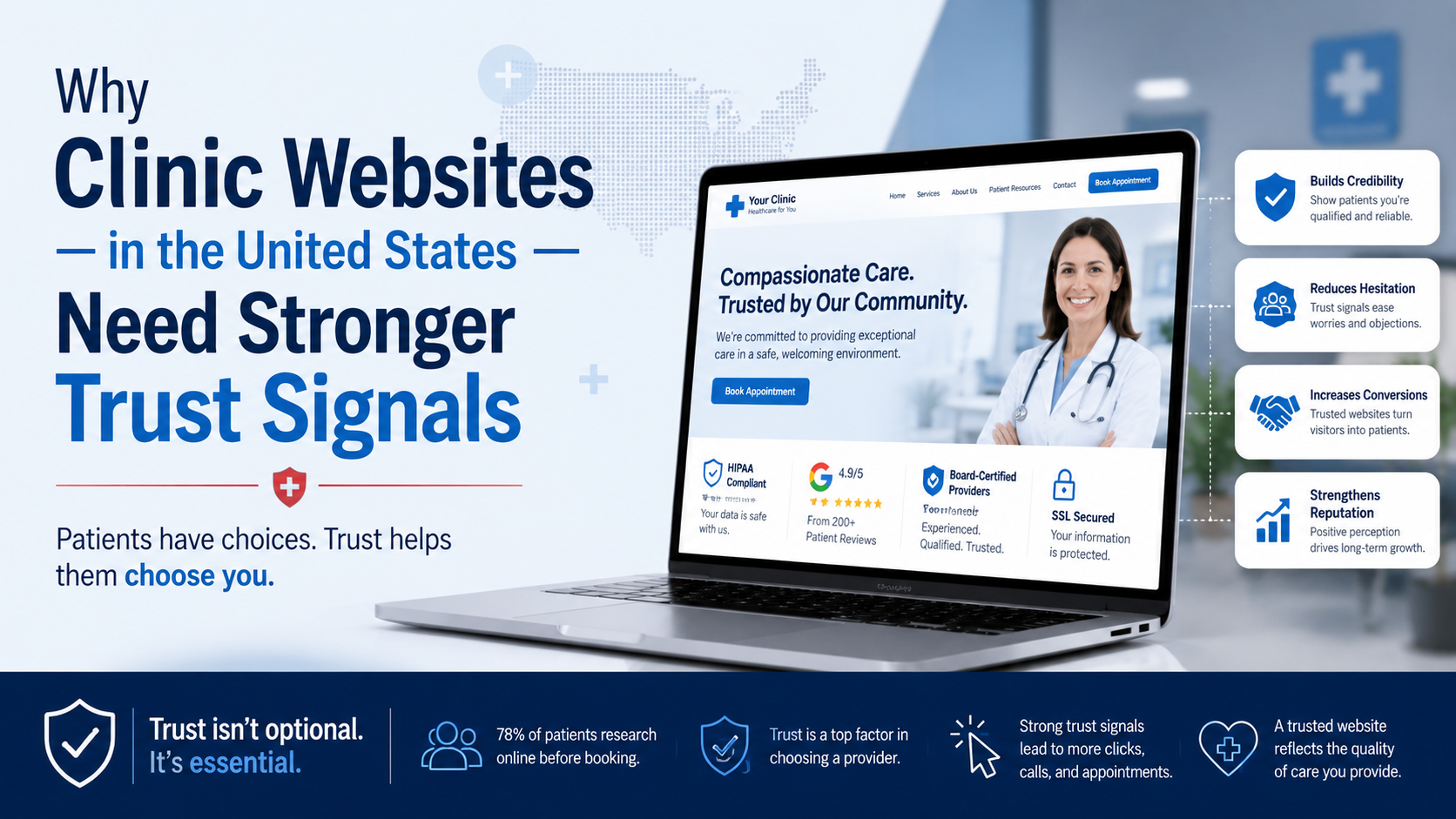
A patient lands on a clinic’s website. Within three seconds, they’ve decided whether to trust that clinic with their health—or close the tab and keep searching. That decision rarely has anything to do with the doctor’s credentials. It comes down to something much more immediate: how much the website signals trust before a single word of content is read.
Why clinic websites in the United States need stronger trust signals isn’t a design trend discussion. It’s a revenue-and-reputation problem I see repeatedly during audits. I’m Adnan Buksh, a WordPress developer who spends most of my time dissecting broken websites, cleaning up hacked installations, and rebuilding clinic sites that look legitimate but don’t feel legitimate to the people who matter—prospective patients.
When trust signals are missing, weak, or contradictory, a clinic website leaks appointments silently. No error log will flag it, but the analytics will. High bounce rate, low time-on-page, almost zero contact form submissions, and plenty of traffic that never converts.
A trust signal isn’t a badge slapped into a footer. It’s any element that subconsciously answers the question, “Is this place safe, credible, and professional?” For clinic websites in the United States, that question carries extra weight because health decisions involve vulnerability, privacy, and a high cost of getting it wrong.
Typical trust signals include:
When one or more of these break, the cumulative effect destroys conversion. A slow site with an expired SSL certificate and a contact page that throws a 404 tells a visitor the clinic doesn’t pay attention to details. If they can’t maintain a website, how will they maintain medical records?
Many clinic websites in the United States were built years ago by someone who installed a premium theme, loaded a page builder, and handed over the login. That’s a theme installer’s approach, not a WordPress developer’s approach. The business owner sees a good-looking site and assumes it’s done correctly. But beneath the surface, several trust-breaking issues usually fester.
I routinely find clinic sites where:
Each of these problems looks small on its own. Combined, they act like a giant “leave” button. The site doesn’t need better copywriting—it needs a structural trust rebuild.
A client came to me with a multi-location clinic site loading in 5.4 seconds on a standard 4G mobile connection. The previous setup included a heavy multipurpose theme, a slider plugin loading 47 images on the homepage, and an outdated contact form plugin that had stopped sending email notifications six months earlier. The site also lacked a consistent SSL configuration; the booking page was being served over HTTP.
The cause was clear: no one had ever treated the site as a performance-and-security asset. The approach was cosmetic, not functional.
Here’s what I did:
After the rebuild, the site loaded in 1.3 seconds. Bounce rate dropped, but more importantly, the number of appointment requests coming through the contact form increased. The clinic didn’t change its services or pricing. The only thing that changed was the speed, security, and professionalism the site projected. That’s what stronger trust signals do.
When a WordPress professional looks at a clinic site, the first question isn’t “Does it look nice?” It’s “Does it remove every possible hesitation a patient could have before they book?” If you need that kind of rebuild, my custom WordPress development service is built around this exact thinking—no page builder bloat, no guesswork.
There’s a difference between having a website and having a trustworthy digital presence. Here’s a quick comparison that shows why trusting a theme installer with a clinic website is a risk most owners don’t understand until it’s too late.
| What Theme Installers Do | What a WordPress Developer Does |
|---|---|
| Use a multipurpose theme with 60+ plugins activated for “features” | Build a lean site with only the functionality the clinic actually needs |
| Slap on a free SSL and assume it works everywhere | Enforce HTTPS, HSTS headers, and verify no mixed content across all pages and subdomains |
| Rely on page builder drag-and-drop layouts that break on mobile | Code responsive, accessible layouts that pass WCAG checks |
| Leave WordPress core, themes, and plugins outdated for months | Set up automated backups, staging environments, and a maintenance routine |
| Install a generic SEO plugin and call it done | Ensure fast Core Web Vitals scores, structured data, and accessible navigation that search engines reward |
A clinic’s website is not a brochure. It’s the digital front door to a healthcare practice. When it’s built by someone who thinks “install theme, change logo, done,” the trust breakdown is baked in from day one. Patients may not know why the site feels “off,” but their behavior—quick exits, no bookings—shows it clearly.
Performance trust signals are especially dangerous to ignore. Google’s Core Web Vitals guidelines now explicitly reward sites that load quickly, remain visually stable, and respond to user input without delay. A clinic site that scores poorly on these isn’t just annoying users; it’s losing visibility in search results exactly when a patient is searching “primary care clinic near me.” A slow site loses patients on two fronts: before they even click, and again if they do.
Security is another quiet trust killer. I’ve cleaned clinic sites where a hacker injected pharmaceutical spam links into old blog posts. The clinic had no idea, but Google flagged the site, and patients were seeing “This site may be hacked” warnings in search results. That’s not a minor embarrassment; it’s a catastrophic loss of patient confidence. WordPress.org’s official security hardening guide covers the basics most sites ignore—file permissions, database prefixes, disabled XML-RPC when not needed, and limited login attempts. These aren’t optional for a clinic site; they’re the baseline.
If a site has already been compromised, it’s not just a cleanup job—the trust has to be rebuilt from the ground up. My malware removal service focuses on root-cause fixes, not quick scans, so the same vulnerability doesn’t reopen next month.
A trust signal many clinics overlook is accessibility. In the United States, healthcare websites face higher expectations—and legal exposure—if they’re inaccessible to people with disabilities. A site that can’t be navigated via keyboard, has poor color contrast, or lacks proper heading structure doesn’t just fail patients; it silently communicates that the clinic doesn’t care about all members of its community.
The W3C’s Web Content Accessibility Guidelines (WCAG) provide the standards, and meeting even the AA level can separate a trustworthy clinic site from one that feels rushed. When I audit a clinic’s site, I frequently find missing form labels, non-descriptive link text, and images without alt attributes. Each one is a friction point. Trust isn’t just about security badges—it’s about making every potential patient feel welcome and respected.
If you’re a clinic owner in the United States and you suspect your site might be underperforming on trust, here’s what to look for without opening a single line of code:
http://.If more than two of these are true, the site is actively working against the clinic’s reputation. The fix isn’t another plugin—it’s a proper rebuild with trust baked into every technical decision. I’ve done this for clinics that saw their inquiry rate change within weeks of relaunch, simply because the site finally reflected the quality of care they provide.
If you decide the current site isn’t performing, don’t just ask about the price. Ask these technical questions that separate a WordPress professional from a theme installer:
The answers will tell you whether you’re talking to someone who understands that a clinic website is a trust machine, not a gallery piece.
If your website feels like it’s making patients hesitate rather than helping them decide, this is exactly the kind of audit and restructuring I provide for my clients. A slow, insecure, or confusing site doesn’t need more content or a new logo; it needs a development partner who diagnoses the root causes and removes every barrier between a visitor and a booked appointment. I don’t apply band-aids—I rebuild the foundation so trust signals work consistently, automatically, and silently in your favor. Whether you need a full custom rebuild or targeted speed optimization, the goal is always the same: a clinic website that earns trust in milliseconds and converts that trust into real patient relationships. If ongoing protection matters, structured maintenance plans keep those trust signals intact long after launch.
Most websites try to impress users. The best ones remove friction. And that difference is what users remember—and what businesses profit from. For clinic websites in the United States, that friction is often a lack of real, technically sound trust signals that go far deeper than a nice logo. When a site loads fast, stays secure, respects accessibility, and consistently proves its professionalism without shouting about it, patients notice. They just don’t notice consciously—they book the appointment.