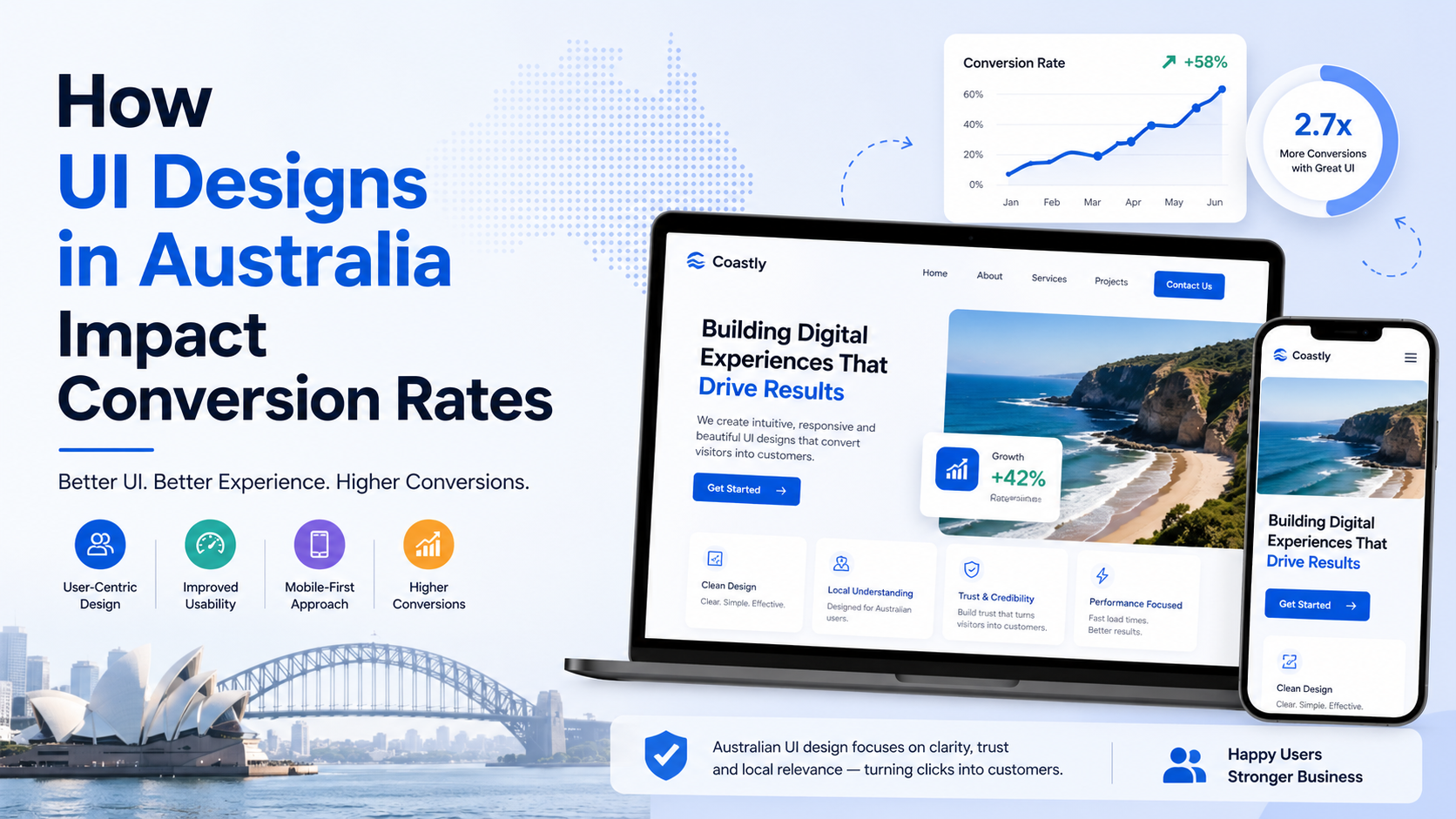
Your Australian e‑commerce store gets 2,000 visitors a day. But only twelve buy something. You’ve tried discounts. You’ve added trust badges. Nothing moves the needle.
Meanwhile, a competitor with uglier products and higher prices converts at 4%. What do they know that you don’t?
The answer usually sits in their ui designs—and your lack of one that works.
I’m a web development specialist who audits broken sites. I’ve seen Melbourne fashion brands lose $40,000 a month because their checkout button was the wrong colour. I’ve watched Sydney B2B firms lose leads because their contact form asked for a “fax number” in 2026.
Let me show you exactly how interface choices hurt Australian conversion rates—and what to fix first.
A user lands on your homepage. Within three seconds, their brain decides: “trustworthy” or “sketchy”, “easy” or “frustrating”, “buy here” or “leave immediately”.
That decision has nothing to do with your product quality. It’s purely about visual friction.
For a business owner, this means: Your carefully written product descriptions mean nothing if the user can’t find the “Add to Cart” button within one second. Every extra click or confusing label sends them to your competitor.
A Brisbane client sold outdoor furniture. Their old site had a beautiful hero image, but the “Shop Now” button was light grey on a white background—barely visible. Their product grid showed four columns on desktop but two on mobile, forcing users to scroll endlessly.
After I redesigned the button contrast (black on yellow), simplified the product grid to two columns consistently, and moved the search bar above the fold, the conversion rate went from 1.1% to 3.4% in six weeks. No new products. No price changes. Just ui designs that removed friction.
Australian agencies love “unique” layouts. Asymmetrical grids, overlapping elements, hidden navigation menus. They call it “modern”. I call it “revenue killer”.
A proper hierarchy means:
Google’s web.dev design guidelines confirm that users scan in an F‑pattern. If your primary button is not in that F‑zone, users will literally not see it.
What this means in practice: You don’t need a creative agency. You need a design professional who understands eye‑tracking studies and conversion data. Fancy layouts impress other designers—not paying customers.
Over 62% of Australian e‑commerce traffic comes from mobile. Yet I still audit sites where the “Checkout” button is 8 pixels high on an iPhone.
Common mobile UI failures:
For a business owner, this means: If your mobile conversion rate is below 2%, your ui designs are almost certainly the problem. Desktop fixes won’t help mobile users. You need a separate mobile‑first audit.
Most people think “design” means colours and fonts. But loading speed is a core part of user experience—and Google agrees.
The NNGroup study on website conversion shows that a one‑second delay reduces conversions by 7% on average. For a $2 million annual online store in Australia, that’s $140,000 lost per year—from a single second.
What causes slow UI designs?
Business impact: A “beautiful” slow site converts worse than an “ugly” fast site. I’ve seen a plain text landing page with one button outperform a $15,000 animation‑heavy site by 300%. Speed is not a technical detail—it is a design requirement.
| Factor | Off‑the‑shelf Theme | Custom UI Design for Conversion |
|---|---|---|
| Button placement | Fixed by theme; often hidden | Strategically positioned above fold |
| Mobile optimisation | Responsive but not optimised | Touch‑friendly targets, simplified forms |
| Load speed | Bloated with unused CSS/JS | Lightweight, critical CSS only |
| Form design | Generic labels, no inline validation | Smart defaults, error prevention |
| A/B testing ready | Difficult without plugins | Built with variants in mind |
A web development partner who understands conversion will not sell you a $89 Themeforest template. They will build ui designs based on heatmaps, user recordings, and A/B test results from real Australian visitors.
If you checked three or more, you are losing at least 20% of potential conversions—probably more.
I see this constantly when fixing Australian e‑commerce stores. The underlying platform might be fine (WooCommerce, Shopify, Magento), but the interface layers on top destroy usability. For a detailed breakdown of build costs and timelines, I’ve written about ecommerce website development in Australia cost and timeline—but the short version is: spending more on development without fixing UI is throwing money away.
If your Australian website has traffic but not enough sales, this is exactly the type of conversion audit I provide for my clients. I don’t redesign for “wow” factor. I redesign for revenue. Every colour, every button, every form field gets tested against one question: “Does this help or hurt the sale?”
You can see my broader custom WordPress development work or my speed optimisation service—but the real starting point is a UI conversion audit. I’ll tell you exactly what to change, what to remove, and what to test.
Most websites try to impress users. The best ones remove friction. And that difference is what users remember—and what businesses profit from.
Stop chasing “unique” ui designs that confuse your customers. Start simplifying. Make the button obvious. Make the form short. Make the mobile experience effortless. That is not “basic design”. That is high‑conversion engineering—and it works every single time.