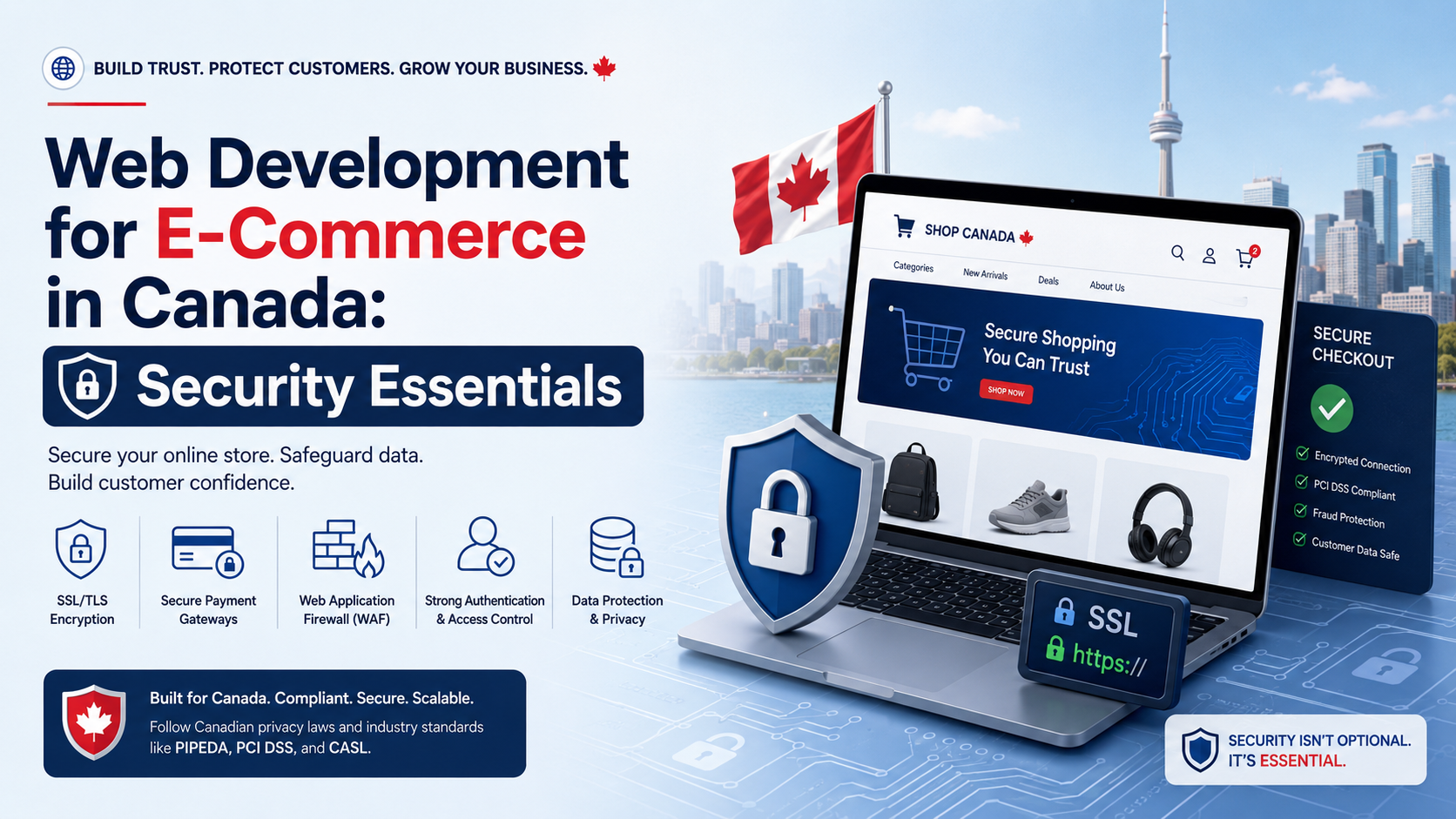
A Shopify merchant I spoke with last year told me, “We thought the site was secure because we had an SSL certificate.” Three weeks later, his checkout page was silently skimming credit card data through a malicious script injected into a plugin he’d stopped updating in 2022. No notice, no warning, no visible change. The only reason he found out was because a customer called to ask why their card was being used in a different province.
That scenario doesn’t happen because Canadian e‑commerce owners are careless. It happens because most of them were sold web development e commerce packages that included a SSL toggle and a security plugin icon, not actual hardening. If your business takes payments online, your developer’s security posture isn’t a feature checkbox. It’s the only thing standing between you and a PIPEDA notification, a frozen merchant account, and customers who never come back.
I don’t say this to scare you. I say it because I clean up the aftermath. I’m the person digging through server logs at 2 a.m., isolating backdoors, and rebuilding trust when a “fully secured” e‑commerce site has been quietly leaking data for months. Security in web development e commerce isn’t about a green padlock in the address bar. It’s about controlling what runs on your server, who has access, and how your database receives and stores information. Let me walk you through what that actually means for a business.
Most Canadian business owners I talk to think an SSL certificate equals security. An SSL encrypts the data in transit between the browser and your server. It does nothing to stop a malicious actor from uploading a backdoor through an outdated theme file, injecting SQL into your search bar, or brute‑forcing a weak admin password. SSL is the minimum hygiene, not the strategy.
When a real e‑commerce developer approaches security, they think in layers: the server, the application, the database, the user access, and the monitoring. Each layer is a place where a cut‑rate web development e commerce setup can fail silently.
For a business owner, this means your security isn’t about one product or one button. It’s about whether every piece of your site is continuously maintained by someone who knows how those pieces can break.
I audit a lot of WooCommerce sites. These are the failure points that show up again and again, across different hosts and different industries. They’re not theoretical.
A plugin that hasn’t been updated in 14 months is not “stable.” It’s a liability. In WooCommerce environments, even a seemingly inactive plugin can expose a vector if the code is still reachable. I recently removed a deprecated shipping‑calculator plugin from a client’s site; the plugin’s files were still present, and a known vulnerability from three years ago hadn’t been patched because the author stopped development.
Business impact: A single outdated plugin can become the entry point for credit card skimmers or redirect malware. The breach doesn’t need to happen through your payment gateway—it can happen through a forgotten widget.
In many small shops, the “developer” left the administrator account as the default admin with a simple password, or added a super‑admin account for a short‑term freelancer and never revoked it. I still find sites where multiple accounts hold Administrator privileges with no two‑factor authentication enforced. This isn’t a minor oversight—it’s handing out keys to your store’s back office and hoping nobody copies them.
In simple terms: If a single password is the only barrier between a threat actor and your order database, you’re running a much higher risk than you think. Canadian privacy law doesn’t look kindly on preventable breaches.
A properly hardened WordPress installation restricts which directories can execute code. The wp-content/uploads folder, for example, should never run PHP files. Yet many “secure” sites I inherit have their uploads directory wide open. If an attacker manages to upload a malicious PHP file disguised as an image, and that directory can execute it, the backdoor is complete. I follow the same principles outlined in the WordPress.org hardening guide because they’re foundational, not optional.
What this means in practice: An attacker doesn’t need your password. They just need one form field that wasn’t properly validated, and a server configuration that lets them turn that slip into full access.
If you don’t know what your core, theme, and plugin files look like when they’re clean, you can’t detect when they’ve been modified. Yet most e‑commerce sites operate with zero file‑integrity monitoring. A malware injection can sit dormant for weeks, capturing data or waiting for instructions from a command‑and‑control server.
Business impact: The average time to detect a breach without monitoring is months. Every day you don’t know is a day your customers’ information is being collected. That isn’t technical debt—that’s liability.
A client running a WooCommerce store in British Columbia contacted me after Google flagged the site and removed it from search results. When I dug in, I found a classic JavaScript card‑skimmer: a few lines of obfuscated code had been injected into the checkout page, capturing credit card numbers as customers typed them and sending the data to an external domain. The client had a “security plugin” installed and active. It hadn’t prevented anything.
The root cause was an outdated plugin that had a known file‑inclusion vulnerability. That plugin allowed the attacker to drop a malicious file into the theme’s directory. The security plugin was checking for malware signatures but not for unauthorized file changes. Once inside, the attacker modified the checkout template to include the skimmer.
What I did:
The clean‑up took just over a day. Google re‑listed the site within a week after a review request. The client didn’t lose their merchant account, but the lesson was permanent: a security plugin is not a security strategy.
For a business owner, this means the cost of proper web development e commerce security is never higher than the cost of a breach. I address exactly this type of cleanup through my WordPress malware removal service, but I’d rather prevent it from happening in the first place.
Hiring a web development e commerce specialist shouldn’t mean you get a WooCommerce installation and a wish of good luck. A developer who understands security will implement protections that run silently in the background, without your customers ever noticing. Below is a comparison of what you typically get from a theme‑installer mindset versus a developer‑level approach.
| Security Layer | Typical “Secure E‑Commerce” Package | Developer‑Led Hardening |
|---|---|---|
| Payment security | Relies on the payment gateway’s SSL and a “secure checkout” badge. No audit of the checkout script’s origin. | Verifies that no unauthorized JavaScript loads on the checkout page. Implements a Content Security Policy (CSP) to block external scripts. |
| Plugin management | 40+ plugins, several abandoned. Updates run automatically without a staging test, risking checkout breakage. | Maximum 20–25 vetted plugins. Every update is tested in a staging environment first. Unused plugins are removed, not deactivated. |
| File permissions | Default shared‑hosting permissions. Uploads directory can execute PHP. | Strict directory‑level permissions, PHP execution disabled in uploads and cache folders. Follows WooCommerce security best practices for payment endpoints. |
| Admin access | Single admin account with “admin” username. No 2FA. Past freelancers still have active accounts. | Unique usernames, strong password policies, enforced two‑factor authentication. Account roles limited to the minimum needed. Inactive accounts removed. |
| Monitoring | None. The owner discovers a breach when customers complain or Google blocks the site. | File‑integrity monitoring, log auditing, and uptime‑plus‑SSL monitoring that alerts the developer immediately if something changes. |
What this means in practice: A real developer’s setup doesn’t depend on any single plugin to save the site. It depends on a chain of protections that make it exponentially harder for an attacker to get in—and much, much easier to detect them if they try.
When you’re evaluating a web development e commerce partner, the following questions will separate someone who understands security architecture from someone who understands marketing copy.
Most of the time, business owners who start searching for web development e commerce security information are already feeling uneasy. Maybe a plugin update failed last month and you’re not sure what it left behind. Maybe your search traffic dropped suddenly and you haven’t ruled out a Google blacklist. Or maybe you just know that the person who built your store has never once brought up hardening, access control, or monitoring.
If your e‑commerce site feels like a ticking clock rather than a secure asset, this is exactly the type of audit and restructuring I provide for my clients. I don’t sell you a new theme. I lock down the environment you already have, or rebuild it on a clean, hardened foundation. For WooCommerce stores, I make sure the checkout flow isn’t just fast—it’s verifiably clean. That’s the type of work I handle through my WooCommerce developer service, and it’s the type of ongoing protection my clients get through structured maintenance plans.
When your e‑commerce site is truly secure, your customers never think about it. They type their card details, they get their order confirmation, and they move on with their day. No drama, no redirect, no fraud alert from their bank. That’s the real deliverable of serious web development e commerce security—it makes trust invisible. The business owner sleeps, the customer buys, and the only thing that ever gets attention is the product, not the platform.
Most websites try to impress users. The best ones remove friction. And that difference is what users remember—and what businesses profit from. A secure e‑commerce site, built with developer‑grade hardening, removes the fear that’s the greatest friction of all.