A surprising number of clinic websites look professional on the surface but quietly lose enquiries every single day.
The homepage slider loads slowly. The booking form breaks on mobile. Contact buttons disappear behind sticky banners. And the entire site feels like it was assembled from a theme demo instead of being built around how patients actually behave.
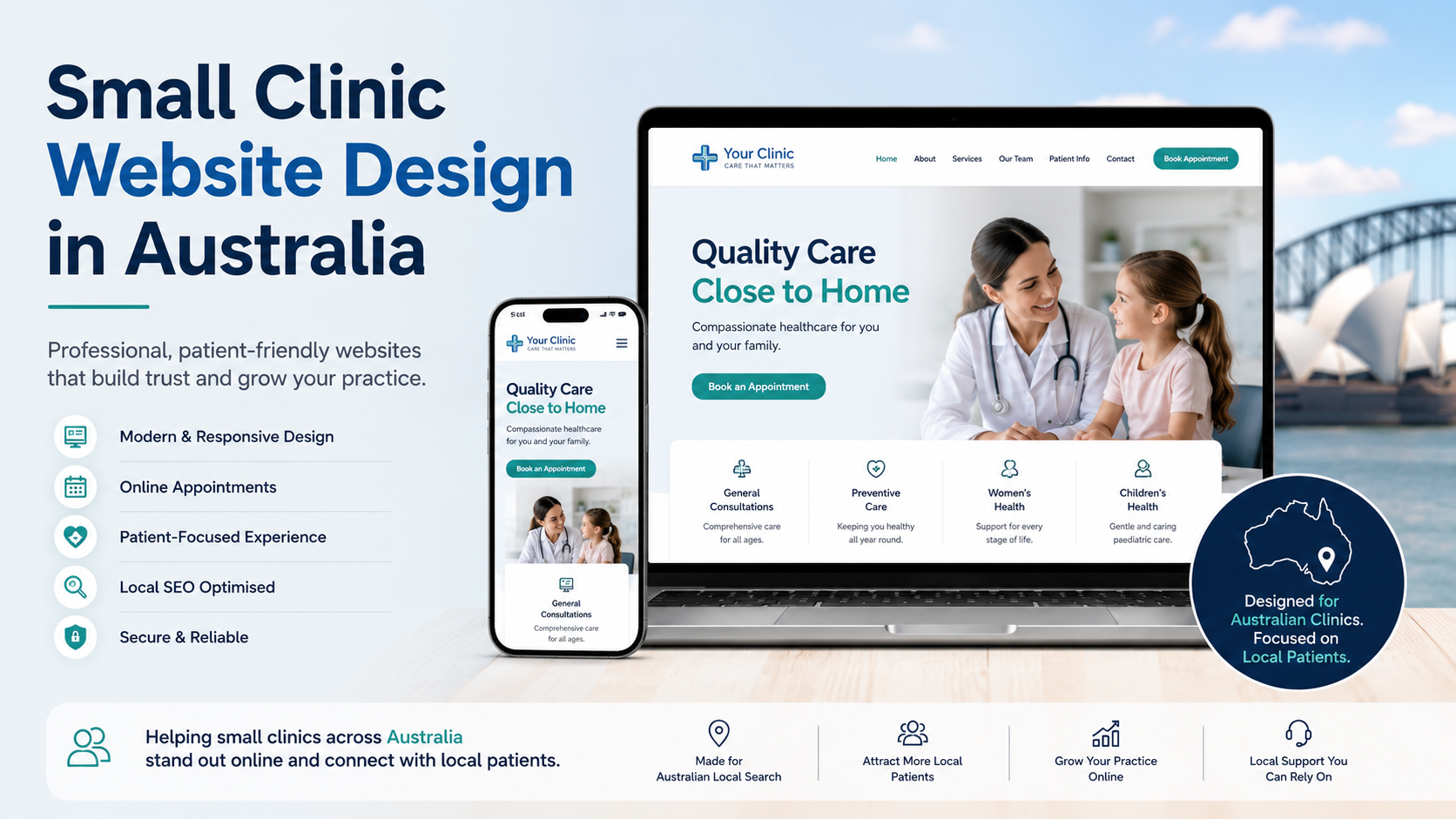
That is the real problem with Small Clinic Website Design in Australia right now. Too many clinics are investing in appearance while ignoring usability, speed, trust signals, and conversion structure.
Patients are not comparing your clinic to another clinic website anymore. They are comparing your online experience to every fast, frictionless platform they already use daily.
A clinic website has one job: reduce hesitation.
Not impress developers.
Not showcase animation effects.
Not win design awards.
A patient visiting your site usually wants answers quickly:
If those answers are delayed by cluttered layouts, slow loading times, or confusing navigation, people leave.
Most agencies focus on “design completion.” A developer focuses on user flow, technical stability, and conversion friction.
That difference matters more than most clinic owners realize.
One issue I repeatedly see during audits is overbuilt WordPress setups.
A clinic site with 18 plugins should not take 5 seconds to load. Yet it happens constantly because the site was assembled using page builders, animation packs, popup systems, multiple font libraries, and poorly optimized hosting.
Google has openly documented how loading performance impacts user experience through its Core Web Vitals guidelines.
For clinics, speed is not a technical vanity metric. It directly affects:
A slow clinic website subconsciously signals operational inefficiency.
Patients may not know why the site feels frustrating, but they feel it.
That is why performance optimization should be part of the build process — not a rescue operation six months later.
If your existing site already feels heavy, this is usually where a proper WordPress speed optimization service makes a measurable difference.
| Typical Theme-Based Build | Properly Structured Clinic Website |
|---|---|
| Heavy multipurpose theme | Lightweight custom structure |
| Plugin dependency for everything | Native functionality where possible |
| Generic stock layout | Patient-focused information flow |
| Visual effects prioritized | Speed and usability prioritized |
| Difficult maintenance | Clean backend and scalable setup |
The difference becomes obvious once traffic increases or patients begin interacting with the site regularly.
A clinic website should feel effortless to use, especially on mobile devices.
You can usually spot this within five minutes.
These problems rarely appear alone. Poor implementation tends to create layered issues over time.
And the longer they remain unresolved, the more difficult future maintenance becomes.
Many clinic websites unintentionally create usability barriers.
Low contrast text, tiny buttons, inaccessible forms, and keyboard navigation issues are extremely common — especially in older WordPress builds.
The W3C accessibility guidelines explain why accessibility improves usability for everyone, not just users with disabilities.
For healthcare websites, accessibility matters even more because your audience often includes older users accessing the site from mobile devices.
A clean, readable interface converts better because it reduces cognitive friction.
That is something most design-focused agencies still overlook.
A clinic owner contacted me after noticing a drop in mobile enquiries.
The website itself looked visually modern, but the actual experience was unstable. The booking form was loading after the rest of the page, which caused layout shifting on slower devices. Patients would tap one button and accidentally hit another once the page repositioned itself.
The previous setup also loaded unnecessary JavaScript files sitewide, including scripts from plugins no longer in use.
Here’s what I changed:
The site became noticeably faster within days.
More importantly, the clinic owner reported that patients had stopped complaining about booking difficulties on mobile devices.
That is the type of issue business owners rarely detect themselves because the website technically “works.” But technically working is not the same as converting efficiently.
Clinic websites are frequent targets for malware injections because many run outdated plugins or abandoned themes.
A hacked site does not always go offline immediately. Sometimes it simply becomes slower, starts redirecting traffic, or gets flagged by browsers.
The official WordPress hardening guide covers basic security principles, but most small businesses still rely on reactive fixes instead of proactive maintenance.
This is why ongoing maintenance matters.
Updates without compatibility testing can break functionality. Ignoring updates creates vulnerabilities. Both scenarios hurt the business.
A properly maintained clinic website should include:
That is also why many businesses eventually move toward structured ongoing maintenance plans instead of waiting for problems to become emergencies.
Before hiring a developer or development team, ask practical questions instead of design-focused ones.
Most business owners ask about colors and layouts first.
The better question is whether the website will still perform properly 18 months later.
One of the biggest misconceptions in WordPress development is believing premium themes automatically create premium websites.
They do not.
A fast, reliable clinic website usually comes from:
Not from installing the “most popular healthcare template.”
This is where working with a proper WordPress development specialist becomes different from hiring someone who simply assembles prebuilt layouts.
Clinic owners usually notice the problem late.
Not because the website crashes — but because performance declines gradually:
By then, the issue is rarely one thing. It becomes a combination of technical debt, bloated implementation, and poor usability decisions.
If your website feels slow, confusing, unstable, or difficult to manage, this is exactly the type of audit and restructuring I provide for my clients through services like small business website development and technical WordPress optimization.
Sometimes the solution is not a redesign. It is removing the friction that was added over time.
The best clinic websites are not the flashiest ones.
They are the ones that load quickly, feel trustworthy, simplify bookings, and help patients get answers without effort.
That is what effective Small Clinic Website Design in Australia should actually focus on.
Most websites try to impress users. The best ones remove friction. And that difference is what users remember—and what businesses profit from.