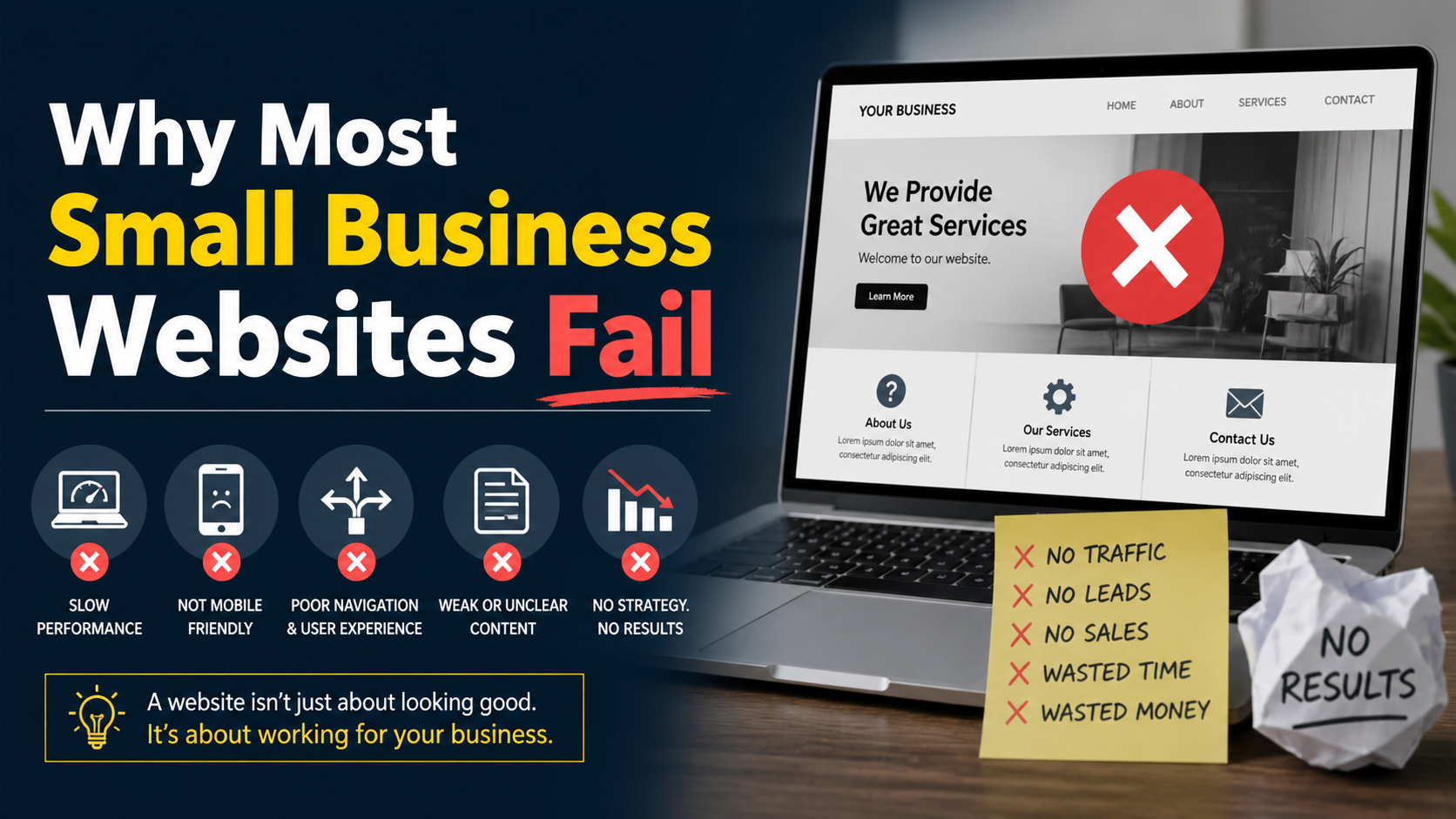
A small business website has one core job: turn visitors into customers. When it fails to do that—month after month, year after year—the owner rarely blames the website itself. They blame the market, the product, or their advertising. But more often than not, the website is the silent bottleneck stopping a decent business from generating decent revenue online.
I don’t say this to sound dramatic. I say it because I’ve repeatedly traced dead lead pipelines back to the same set of avoidable mistakes. These aren’t edge-case bugs or niche marketing problems. They are structural failures baked into how most small business websites get built, and more importantly, how they’re treated after launch.
This article unpacks why most small business websites fail—not with generic marketing advice, but with the technical and strategic realities that make the difference between a site that sits there and a site that works.
The single biggest reason small business websites fail is that they’re viewed as a one-time project. Someone spends a few hundred dollars on a theme, some stock photos, and a few pages of content. The site goes live. Then nothing happens—for years.
A website is not a digital brochure you print once and hand out forever. It’s a living system that runs on software with moving parts. In the WordPress world, that means a core installation, a theme, and a set of plugins. Each of those components gets regular updates—security patches, bug fixes, new features. When updates are ignored, three things happen predictably.
First, the site becomes a security risk. Outdated plugins and themes are the most common entry point for automated attacks. A single vulnerability in an abandoned plugin can allow an attacker to inject malicious code, deface pages, redirect visitors, or steal form data. The business owner only notices when the site is blacklisted by Google or the hosting company suspends the account.
Second, compatibility breaks silently. A WordPress core update might deprecate a function that an old plugin relies on. The site doesn’t crash outright. Instead, a contact form stops sending emails, or the mobile menu no longer expands. These partial failures erode trust and kill conversions without any obvious error to alert the owner.
Third, performance degrades over time. Newer versions of PHP and database engines handle queries more efficiently, but outdated software stays on slow, legacy paths. Add months of post revisions, transient data, and unchecked log files, and the database becomes bloated. Page load times creep upward. Visitors abandon the site, and the owner remains unaware because everything looks normal in their own cached browser.
A website without a maintenance plan is like a vehicle that never gets serviced. It may look fine on the outside until it breaks down at the worst possible moment. For small businesses, that moment often coincides with a peak sales period, a new ad campaign, or a seasonal traffic spike. The damage compounds because the fix takes longer than prevention ever would have. This is precisely why I offer WordPress maintenance services—not as an optional extra, but as the operational layer every serious business site needs to stay functional, secure, and fast.
Many small business websites exist simply because the owner was told they needed a website. There was no deeper conversation about what the site is supposed to accomplish. So the site ends up with an About page, a Services list, and a contact form buried somewhere in the footer.
A website without a deliberate conversion architecture doesn’t guide visitors. It just waits for them to figure out what to do. That approach fails because visitors don’t land on a site ready to explore; they arrive with a specific question or problem, scan quickly, and leave if nothing tells them where to go next.
A home page that doesn’t state clearly what the business does and what step the visitor should take next wastes every bit of traffic that hits it. Service pages that read like internal company descriptions rather than answers to customer questions cause people to bounce. The missing element isn’t design flair—it’s a direct, logical conversion path.
What does that path look like in practice? It’s a series of intentional decisions: every page has a singular focus, a headline that matches the visitor’s intent, and one primary call to action that moves them closer to a lead or sale. On a WordPress site, building that often means stripping away the template’s default sidebar on landing pages, ditching slider carousels that distract from the message, and writing content that answers real questions before asking for anything in return.
I see the opposite far too often: a homepage with six competing CTAs, a hero slider no one clicks past the first slide, and an inquiry form that asks for twenty fields. The owner wonders why the phone doesn’t ring.
Small business owners often pick a multipurpose WordPress theme because it promises unlimited design possibilities and a drag-and-drop interface. The promise is appealing—get a professional-looking site without a developer. The reality is messier.
Multipurpose themes ship with features the business will never use: portfolio animations, testimonial sliders, parallax backgrounds, multiple header layouts. All that code gets loaded on every page because the theme doesn’t selectively load assets based on the template. That drags down speed. It also bloats the DOM, makes mobile rendering heavy, and introduces layout-shifting elements that frustrate real users.
Even more damaging is the illusion of flexibility. The owner picks the theme, installs a page builder, and spends hours tweaking padding and font sizes. The result is usually a generically structured site that looks vaguely similar to hundreds of others. There’s no unique UX consideration, no thought behind the content hierarchy, and no optimization for the specific customer journey.
When I rebuild a site that has failed in this template trap, I don’t start with a visual design. I start with the logic: what does this business need the visitor to understand in the first three seconds, and what action follows? From that logic, the layout, typography, and interactions emerge. That’s custom development—not building from scratch for the sake of it, but building only what’s necessary and nothing more. This is the foundation of my custom WordPress development work: sites that are lightweight, fast, and built around conversion, not around a theme’s feature list.
A website can be visually beautiful, fast, and conversion-optimized, but none of it matters if no one finds it. Most small business websites fail at the search engine level because the technical SEO layer got skipped entirely.
This isn’t about keyword research or content strategy—that’s the layer business owners often try to tackle themselves. It’s about the fact that the site itself is invisible to Google in ways the owner never notices. Common failures include:
These aren’t theoretical edge cases. I’ve diagnosed sites with hundreds of pages where only a quarter were in Google’s index because the server response time discouraged the crawler. The business wasn’t “bad at SEO.” The technical container the SEO was supposed to operate inside was fundamentally broken.
Fixing this layer doesn’t require ninja-level SEO tricks. It requires someone who understands how crawlers work and how WordPress outputs content. Setting up a clean permalink structure isn’t an SEO tactic per se—it’s infrastructure. That’s the kind of technical SEO work I do when I help businesses through a freelance SEO engagement: making sure the site’s foundation supports visibility before any content strategy even kicks in.
Everyone knows mobile is important. Yet small business websites routinely fail on mobile in ways that tank usability and conversions. The site might be responsive in the technical sense—it scales down to a phone screen—but responsive doesn’t mean good.
Issues I encounter repeatedly: tiny touch targets, text that requires horizontal scrolling because a container overflows, navigation menus that require multiple taps to reach critical pages, form fields that don’t trigger the right mobile keyboard, and critical call-to-action buttons buried under images or ads.
Then there’s performance. A desktop page that loads in three seconds on a wired connection might take eight seconds on a 4G mobile connection. If the site hasn’t prioritized critical rendering path resources—loading the headline and button styles before tracking scripts and footer widgets—the visible part of the page stays blank or half-rendered for far too long. On mobile, users aren’t just less patient; their internet environment is less forgiving. A site that feels sluggish on a phone doesn’t get a second chance.
Google’s mobile-first indexing means the search engine now primarily uses the mobile version of a site for ranking. So a broken mobile experience directly harms desktop rankings too. Small business owners who check their site only on a desktop monitor assume everything is fine. Meanwhile, their mobile visitors are dropping off in droves.
Small business websites often end up on the cheapest shared hosting plan available, usually bundled with a domain purchase. These environments cram hundreds of sites onto a single physical server with limited CPU and memory. When one site gets a traffic spike—or worse, gets compromised—all the others slow to a crawl.
Resource contention kills server response time. For a WordPress site, that means higher Time to First Byte. The visitor clicks a link and sees a white screen. That delay, even if it’s just one or two seconds, increases bounce probability and makes the business look unreliable.
The real problem isn’t just raw speed; it’s inconsistency. One moment the site loads fine. The next, a background process on a neighboring account hogs I/O, and the site takes five seconds. Users who experience that inconsistency don’t come back and try again later. They move on.
Beyond shared hosting, I frequently see sites running on VPS or cloud instances with no server-side caching configured. The WordPress installation makes dynamic database calls on every request, generating pages from scratch even when the content hasn’t changed. Adding a page caching layer and object caching can slash TTFB from over a second to under a hundred milliseconds. Yet it’s rarely implemented because it lives outside the visible “design” layer. This is exactly the kind of structural speed issue I address through a dedicated WordPress speed optimization service—not just installing a cache plugin, but rearchitecting how the site serves pages.
Small business websites that fail usually don’t fail dramatically from a massive data breach you read about in headlines. They fail in small, cumulative ways because of ignored security. A form stops working after a bot attack. The site starts redirecting to a spam pharmacy URL and loses organic traffic overnight. The database accumulates spam user registrations that fill the disk quota.
Once a site gets marked as unsafe by browsers or search engines, trust evaporates. A visitor who sees a red warning screen will not click through. Recovery—both in cleaning the infection and restoring search rankings—takes weeks. For a small business dependent on inbound leads, that’s a revenue hole no marketing campaign can patch.
WordPress’s popularity makes it a target, but the vast majority of infections are preventable with basic hygiene: regular updates, strong credentials, a good host that isolates accounts, and a security layer that monitors for file changes. When a site does get hit, the priority is fast, thorough removal. That’s the aim of my WordPress malware removal service—clean the infection completely and reinforce the site so it doesn’t happen again next week.
Finally, many small business websites fail at the simplest level: the words on the page. Content gets written from the business’s perspective—what the company does, when it was founded, why it’s great—rather than the visitor’s perspective. A potential customer lands on a service page looking for specifics: do they handle my area, what’s the process, how fast, how much? Instead, they get vague corporate-speak and stock imagery of handshakes.
This isn’t a style problem. It’s an information architecture failure. If the site doesn’t answer the questions a visitor carries with them, they leave. No amount of design polish or speed fixes that.
Content that converts is specific, structured, and written with a single reader in mind. It requires understanding customer objections and tackling them directly. This doesn’t mean building massive blogs or hiring copywriters. It means auditing each key page and asking: what does someone who lands here need to know right now, and is that information visible without scrolling past a generic hero banner?
The pattern across all the failures above is the same: the website is treated as a static artifact, not a functioning business asset. Changing that mindset is the single highest-impact shift a small business can make.
A successful small business website is deliberately built and actively maintained. It loads fast because someone chose clean code over bloated templates. It converts visitors because every page has a clear job. It ranks because its technical foundation lets search engines crawl and understand it. It stays secure and functional because updates happen before something breaks. The site isn’t an expense—it’s infrastructure for revenue.
That doesn’t mean a small business owner needs to become a web developer. It does mean they need to stop seeing the website as a checkbox on a startup list and start seeing it as a tool that needs ongoing, informed attention. For businesses on a tight budget but serious about getting this right, an affordable web design approach for small business isn’t about cheap templates—it’s about lean, purpose-built structure that leaves out everything that doesn’t directly contribute to leads or sales.
When the site falters, they need access to someone who can diagnose the real issue, not just slap on another plugin. For businesses whose current site is underperforming, the path forward isn’t always a full rebuild. Sometimes it’s targeted maintenance. Sometimes it’s a performance overhaul to make the existing design usable. Other times, the foundation is so broken that the most pragmatic choice is a clean build that aligns with how the business actually works.
Either way, the first step is acknowledging that a website that sits there without generating leads is not “fine.” It’s a silent drain on everything else the business invests in to bring customers through the door.