A beautiful website that nobody can use is just expensive art. It’s a frustrating reality I see regularly in my work: a business owner in Lyon or Bordeaux spends considerable budget with a web designing company to get a sleek, minimalist layout, yet the phone doesn’t ring. The contact form submissions are either spam or zero. The site feels heavy, like walking through wet cement on a mobile phone.
This disconnect between visual design and actual function is where the French market has carved out a distinct reputation. Over the years, I’ve audited and rebuilt dozens of sites originating from French agencies. While a web designing company in Paris or Marseille might excel at aesthetic restraint and typography, the true driver of their success—and what businesses in India or the US can learn from them—is their technical discipline regarding performance. It’s a discipline that requires a proper wp developer mindset, not just a page builder installer.
Most business owners conflate “good design” with “pretty colors.” But from a technical audit perspective, good design is simply the absence of friction. When I put on my hat as a wp developer analyzing why a French-built site outperforms a generic template site with the same content, it rarely comes down to the logo. It comes down to how the DOM loads.
French digital culture is unique. They have strict data privacy norms (historically preceding GDPR in spirit), high expectations for cultural nuance in micro-interactions, and an intolerance for bloated, slow experiences. If a site takes three seconds to load on a Parisian metro connection, that user is gone—not just from the page, but likely from the brand forever.
The key takeaway: French agencies don’t treat UX as “how it looks.” They treat UX as “how efficiently the browser can parse and render this layout.”
Most business owners I talk to see Google PageSpeed scores as a vanity metric. “It’s green, so we’re good,” they say. A French web designing company—specifically the technical leads within those firms—views Core Web Vitals as a non-negotiable baseline of politeness.
Here’s the technical reality a wp developer faces when reversing a poor build: render-blocking resources kill the user experience before the user even sees the hero image. I recently audited a site for a luxury goods exporter targeting the EU market. The previous theme had loaded 14 different font weights from Google Fonts, along with jQuery Migrate (which hadn’t been needed since WordPress 5.6) and a massive CSS file that styled elements not even used on the homepage.
The technical fix:
.woff2 files locally and uses font-display: swap.async and defer attributes. This tells the browser, “Finish painting the content the user wants to see first, then worry about the fancy animations.”Business translation: For a business owner, this means the difference between a user seeing a blank white screen for 2.8 seconds versus seeing your headline and call-to-action button in 0.9 seconds. Business impact: Lower bounce rate and higher ad quality scores. You pay less for clicks that actually convert.
It’s not magic. It’s a disciplined build process that respects browser resource hints—a practice outlined clearly in Google’s Core Web Vitals documentation. If you’re not checking Largest Contentful Paint (LCP) in your analytics, you’re flying blind on user retention.
Here is where I see the biggest gap between a generic agency and a specialized wp developer team. Most low-cost “web designing company” setups rely on one of two things:
What this looks like in the code:
Instead of a clean HTML structure output by a custom post type template, the browser has to parse 500 lines of nested <div> tags, inline styles, and dynamic CSS variables that change on every page load. This creates Cumulative Layout Shift (CLS) —the infuriating experience where you go to tap “Add to Cart” and the button jumps down because a lazy-loaded image just popped in.
A high-level web designing company in France—or a developer applying their methodology—would approach a simple landing page differently:
loading="lazy" attribute instead of a heavy JavaScript library that eats up mobile CPU cycles.<head>.In simple terms: It’s the difference between buying a bespoke suit tailored to your exact measurements and buying a one-size-fits-all poncho and trying to staple it to fit. Both cover you, but one allows you to move freely and looks professional.
A client came to me with a WooCommerce store originally built by a web designing company that, frankly, should have stuck to print flyers. The site looked elegant—a beautiful serif font, lots of whitespace, gorgeous product photography. But the conversion rate was 0.3%. That’s not a typo. Less than half a percent.
The Technical Cause:
The issue was a nonce validation failure in a custom AJAX add-to-cart function. Every time a user clicked “Add to Cart,” the site would spin for 4 seconds, then throw a silent 403 error in the console. The visual cart icon never updated. The user assumed the button was broken and left. The owner had no idea because the front end didn’t show a red error message—it just failed silently.
The Fix (and the wp developer mindset):
I didn’t just “update the plugin.” I had to trace the request in the Network tab of DevTools. The AJAX URL was wrong because the site had a mismatched home_url vs site_url definition in the wp_options table. This is a database-level misconfiguration that a drag-and-drop builder will never detect.
The Outcome:
After correcting the database paths, flushing the permalinks, and rewriting the AJAX call to adhere to WordPress PHP Coding Standards, the add-to-cart time dropped from 4,000ms to 400ms. The cart icon updated instantly. What this means in practice: The client saw a return to a healthy 2.1% e-commerce conversion rate within three weeks. That’s a direct revenue recovery of thousands of euros per month, simply because the technical plumbing was fixed.
Any web designing company operating in France (or serving French-speaking customers) knows the legal and ethical weight of RGAA (Référentiel Général d’Amélioration de l’Accessibilité). This is the French implementation of WCAG accessibility standards. In India, we often treat accessibility as an afterthought—a plugin we install to show a blue wheelchair icon. In France, it’s a core requirement for public sector and large enterprise contracts.
From a wp developer perspective, accessibility isn’t about the icon. It’s about semantic HTML and ARIA labeling.
<div> with an onclick event acting as a button. A screen reader cannot focus on this. A keyboard user cannot press “Enter” to activate it.<button> element with aria-label="Close newsletter modal". This communicates intent to the browser and assistive technology.This is where a wp developer distinguishes themselves from a theme installer. We use aria-hidden="true" on decorative icons. We ensure the tab index flows logically—not jumping from the logo straight to the footer link buried in the code.
Business impact: When your site is accessible, you are not just avoiding legal risk. You are expanding your Total Addressable Market (TAM). You are allowing an aging population with declining eyesight, or a user with a temporary injury, to still complete a purchase or fill out a lead form. A site with poor contrast or missing alt text is literally turning away money. For reference, the MDN documentation on ARIA attributes provides a solid technical baseline that every senior wp developer should have bookmarked.
A French web designing company often manages multi-regional sites: .fr for France, .ch for Switzerland, .ca for Quebec. The user experience must reflect the correct language and currency.
I’ve seen this botched more times than I can count. Someone installs a translation plugin, and it creates 5000 sitemap entries with incorrect hreflang tags. Google then starts showing the Swiss-French page to someone searching from Paris. The user sees prices in CHF instead of EUR and bounces immediately.
A wp developer handles this programmatically. We filter the_content or hook into wp_head to ensure the hreflang tags are accurate and canonical signals are strong. For a business owner, this means you aren’t accidentally competing against yourself in search results. You’re guiding Google to serve the right version of your site to the right user. This is not a “content writing” task; it’s a server-header and PHP function task.
To make this tangible for a business owner deciding where to invest budget, here is the reality of the two approaches to building a website.
| Feature/Action | Typical Theme Installer Approach | Professional wp developer Approach |
|---|---|---|
| Page Speed | Installs 3 caching plugins and a “lazy load” script. Conflict galore. | Server-level caching config, script deferral, and optimized asset pipeline. |
| Mobile Menu | Uses a heavy jQuery plugin that breaks on iOS Safari. | Custom, lightweight CSS/JS toggle with proper focus trapping for accessibility. |
| Security | Installs a “security suite” plugin with 15 modules (most turned off). | Hardens wp-config.php, disables XML-RPC, sets correct file permissions via server. |
| Editable Content | Client gets a page builder where one wrong drag breaks the entire layout. | Client gets ACF fields labeled “Headline” and “Button Text” that cannot break the design. |
| Future Updates | Click “Update All” and pray the site doesn’t white-screen. | Staging environment deployment with version control (Git) and rollback capability. |
If you’re a startup founder or business owner reading this, you might not know how to check the console for errors. But you can spot these five signs immediately:
admin-ajax.php file.If you’re looking for a web designing company with the technical chops to actually deliver on the French UX promise, don’t ask about their design portfolio. Ask about their development process.
If your website feels sluggish, if your bounce rate is climbing while your leads are flatlining, or if you suspect the last web designing company you hired just threw a $59 theme at the problem and called it a day—this is exactly the type of audit and restructuring I provide for my clients.
The work isn’t about making the site prettier. It’s about making the site faster and more reliable. It involves cleaning the database, resolving plugin conflicts that are bleeding your server memory, and ensuring the technical foundation allows your business to scale without breaking. Whether you need a deep-dive WordPress speed optimization service or a custom development partner to rebuild a specific feature correctly, the goal is the same: remove the friction that is costing you money.
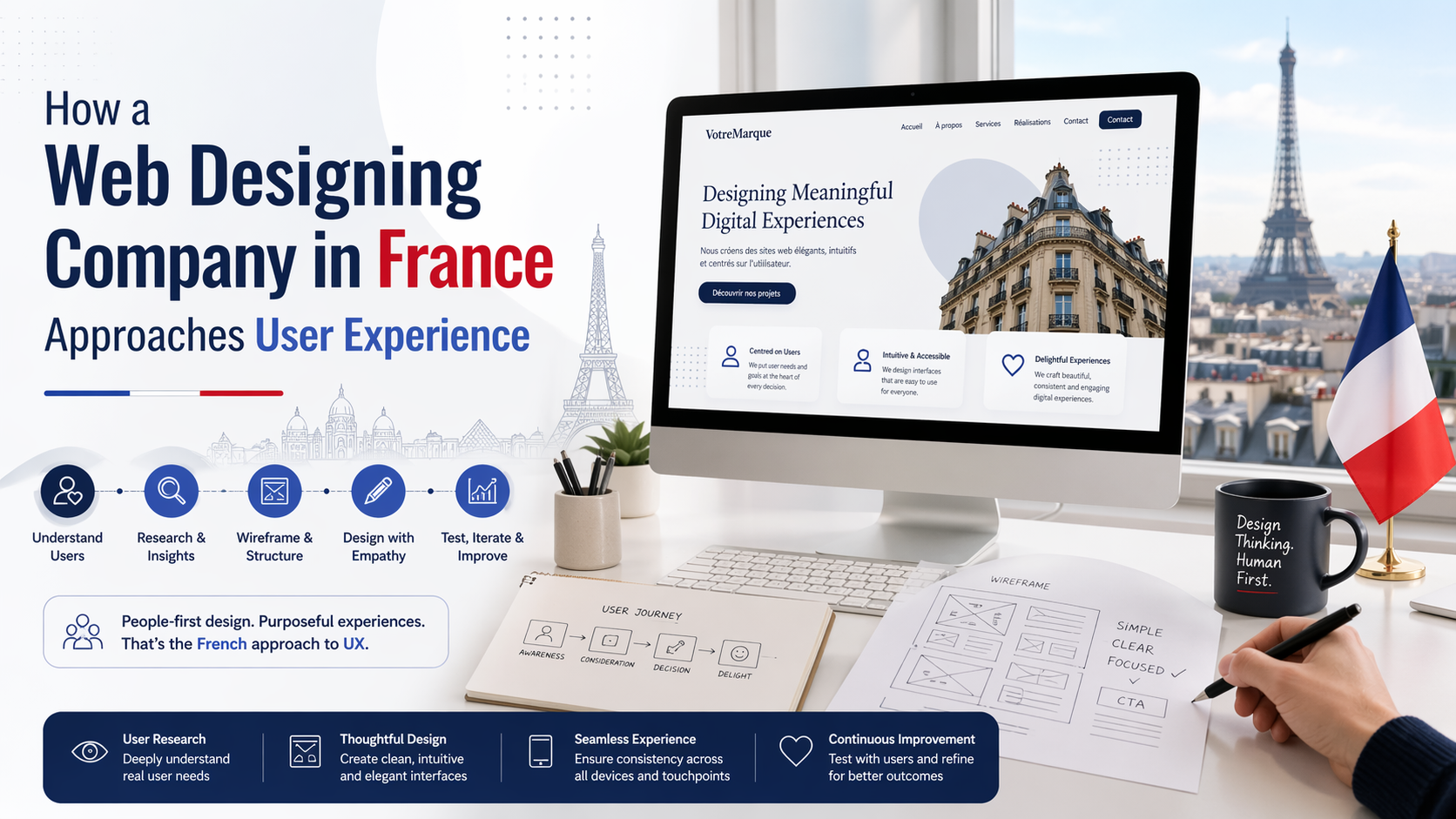
A web designing company in France that truly understands user experience isn’t in the business of selling pretty pictures. They are in the business of managing browser perception. They understand that a user’s emotional response—trust, calmness, confidence—is directly tied to the technical execution of code.
A clean, semantic HTML structure creates a faster, more accessible interface. A faster interface creates a better user experience. A better user experience creates trust. And trust, in the digital economy, is the only currency that converts.
Most websites try to impress users with flashy animations and oversized hero images. The best ones—the ones built with a wp developer mindset—remove friction. And that difference is what users remember—and what businesses profit from.