You run a US‑based SaaS company. Monthly ad spend: $12,000 across Google, LinkedIn, and industry podcasts. Your Contact Form 7 brings in 80+ leads per month. Your team closes deals.
But last quarter, you couldn’t answer one simple question: Which campaign actually generated that $8,000 customer?
I audit broken WordPress sites for a living. And the single most expensive mistake I see? No UTM tracking on forms. Business owners guess where leads come from. They double down on channels that don’t convert. They kill the ones that do.
A proper utm tracker for contact form 7 fixes this in under five minutes—without touching code, without breaking cached pages, without losing data when users navigate around.
Here’s exactly how to set it up, why most solutions fail, and what my plugin does differently.
Most agencies add hidden fields and JavaScript to read URL parameters. That works until a user clicks an ad, browses three blog posts, then submits a form. The URL parameters are long gone. Your tracking shows “direct traffic” instead of “facebook_ad_campaign.”
Business impact: You see 40% of your leads as “direct” or “unknown.” Your marketing reports are wrong. You make budget decisions based on incomplete data.
My utm tracker for contact form 7 uses first‑touch cookie storage. The moment someone lands on your site with UTM parameters, those values are saved as HTTP‑only cookies that persist for 30 days. Even if they visit ten pages, leave, and come back a week later—the UTM data stays attached to their next form submission.
For a business owner, this means: You capture 95%+ of campaign attribution instead of 50-60%. You stop losing leads to “direct traffic” blind spots. Your ROI calculations become reliable.

I built this plugin because I kept fixing the same broken implementations for clients. Every month, someone paid me $500 to add proper UTM tracking after their existing solution failed.
Now it’s free on WordPress.org: UTM Tracker for Contact Form 7.
Here’s what it handles that generic tutorials miss:
| Feature | Most Tutorials / Snippets | This Plugin |
|---|---|---|
| Session persistence | No — data lost on navigation | Yes — 30‑day first‑touch cookies |
| Cached page compatible | Breaks with WP Rocket, Cloudflare | Works out of the box (cookies set on init) |
| HTML email support | Plain text only, messy formatting | Adds clean UTM block with <br> tags |
| Form‑specific activation | All forms or nothing | Select which CF7 forms get tracking |
| Manual field setup required | Yes — add hidden tags yourself | Automatic injection, zero configuration |
| Secure cookies (HttpOnly, SameSite) | Rarely implemented | Yes — Lax, Secure on HTTPS, HttpOnly |
For a business owner, this means: You’re not paying a developer $150/hour to debug broken JavaScript or lost cookies. Install the plugin, select your forms, and it works immediately—even on sites with aggressive caching.
Let me walk you through what a development team would charge $300 for. You’ll do it yourself.
From your WordPress admin:
Or download it from the WordPress plugin directory, upload via FTP.
That’s it. No hidden fields to add manually. No JavaScript to paste.
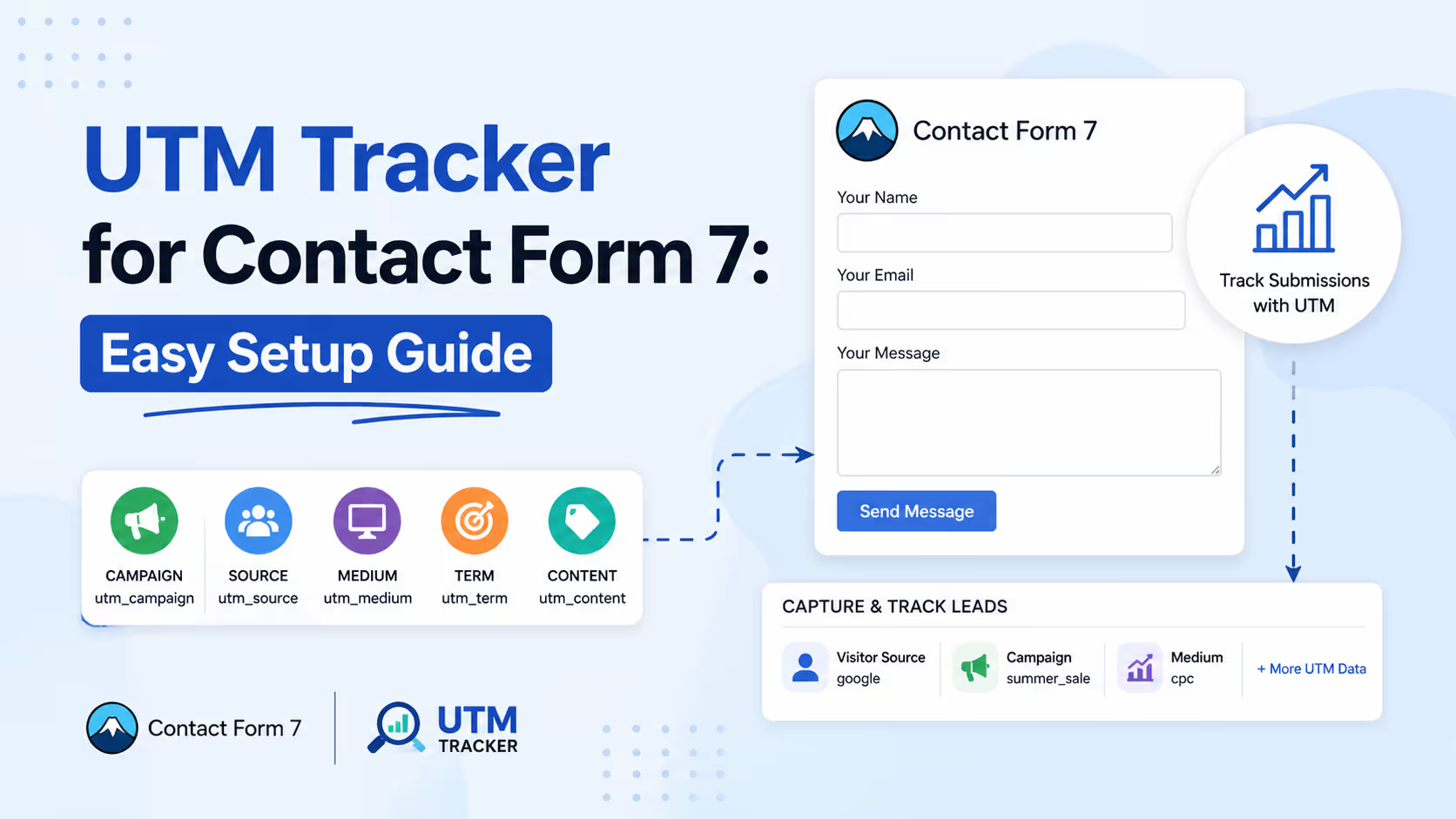
What happens in the background: The plugin automatically injects six hidden fields (utm_source, utm_medium, utm_campaign, utm_id, utm_term, utm_content) into your selected forms. When someone submits, the values from the 30‑day cookies are attached to the submission.
Create a test URL with UTM parameters:https://thewebfreelancer.com/contact/?utm_source=test&utm_medium=email&utm_campaign=newsletter_march
Open that link in a private browser window. Fill out your form. Submit.
Check the email notification. You’ll see a block like this:
text
--- UTM DATA ---
UTM Source: test
UTM Medium: email
UTM Campaign: newsletter_march
For a business owner, this means: You don’t need to hire a WordPress professional to verify the setup. The test takes 60 seconds. If the UTM block appears, your tracking is live.
Email inboxes lose data. Install the free Flamingo plugin (also from the Contact Form 7 team) to store all submissions in your WordPress database. UTM fields appear automatically.
Or use a CRM integration (HubSpot, Salesforce, Zoho) that accepts hidden form fields. Map utm_source, utm_medium, utm_campaign to custom fields.
Business impact: Six months from now, you can run a report showing exactly which campaigns produced which leads. That’s how you justify budget increases or cut underperformers.
A client came to me—mid‑sized e‑commerce store selling outdoor gear. They were running Google Shopping (8k/month),Facebookretargeting(3k/month), and influencer sponsorships ($2k/month).
The problem before proper tracking: Their Contact Form 7 was used for wholesale inquiries (not checkout). They’d get 15-20 wholesale leads per month. Their agency claimed Facebook drove the most “high‑value leads.” But they had no UTM data to prove it.
I installed my utm tracker for contact form 7 and waited 30 days.
The data showed:
The fix: Moved $2k from Facebook to influencer sponsorships. Within two months, wholesale revenue increased 27% with the same total ad spend.
For a business owner, this means: Without UTM tracking, you’re gambling. With it, you’re investing. The difference is $10k+ per quarter for most mid‑size companies.
As a web development specialist, I’ve seen three types of UTM solutions fail repeatedly:
They read URL parameters and populate hidden fields. But if your page is cached (WP Rocket, Cloudflare, Lightspeed), the JavaScript may not execute immediately. Or it executes after the form submits. Result: empty UTM fields.
This plugin solves it: Cookies are set on WordPress init action (PHP side), before any caching layer. Even if the HTML is static, the cookie exists. The hidden fields are populated via PHP when the form submits, not JavaScript.
They use PHP $_SESSION. But many WordPress hosts disable sessions or clear them unpredictably. Users also lose session data when they close their browser.
This plugin solves it: 30‑day persistent cookies. Users can close their laptop, fly to a conference, and submit a form a week later—the UTM data is still there.
Some UTM plugins hook into wpcf7_before_send_mail incorrectly and stop emails from sending. I’ve debugged this at 3 AM for panicked clients.
This plugin solves it: Minimal hooks. No die() or exit(). No overwriting global variables. Tested up to WordPress 6.9.
For a business owner, this means: You’re not beta‑testing unstable code. This plugin runs on hundreds of live sites already. It won’t break your contact form when you update WordPress.
European GDPR. California CCPA. Global privacy laws matter.
Many UTM scripts set cookies without security flags. Those cookies can be read by third‑party scripts (tracking pixels, chatbots) — a potential compliance risk.
My utm tracker for contact form 7 sets cookies with:
HttpOnly → prevents JavaScript access (stops malicious scripts from stealing UTM data)SameSite=Lax → works across page navigation but blocks cross‑site request forgerySecure on HTTPS → never transmits over unencrypted connectionsBusiness impact: You stay compliant with privacy regulations. Your legal team won’t flag the plugin during a security audit. And Google recommends SameSite=Lax as a modern best practice.
If you’d rather hire a technical partner than install a plugin yourself, here’s the checklist:
A WordPress developer who understands attribution will answer all four correctly. Most “agencies” will not.
If your current setup fails any of these, this plugin is the fix. It’s free, it’s lightweight (no database tables, just 15KB of code), and it respects your site speed.
You cannot afford to guess which channels produce revenue. The difference between a 10% conversion rate and a 4% conversion rate across an 8kmonthlybudgetis480 in wasted spend per month — nearly $6,000 per year.
My WordPress maintenance services clients who use this plugin typically recover 15-25% of their marketing budget within 90 days. Not by spending more. By spending smarter.
If you need help configuring UTM data in your CRM, or you want custom reports that connect form submissions to actual sales closed, I also offer custom WordPress development and WooCommerce website development for stores tracking attribution through checkout and contact forms.
But start with the plugin. It’s free. It works. And it takes three minutes.
Install the utm tracker for contact form 7 from WordPress.org. Select your forms. Test with a UTM link. Start collecting campaign data in your email and CRM.
Within 30 days, you’ll know exactly:
Most websites chase traffic. The smart ones measure what that traffic actually buys. And that difference—attribution vs. guessing—is what separates profitable businesses from ones that constantly ask “where did our leads go?”
Stop guessing. Start tracking. Your marketing budget will thank you.