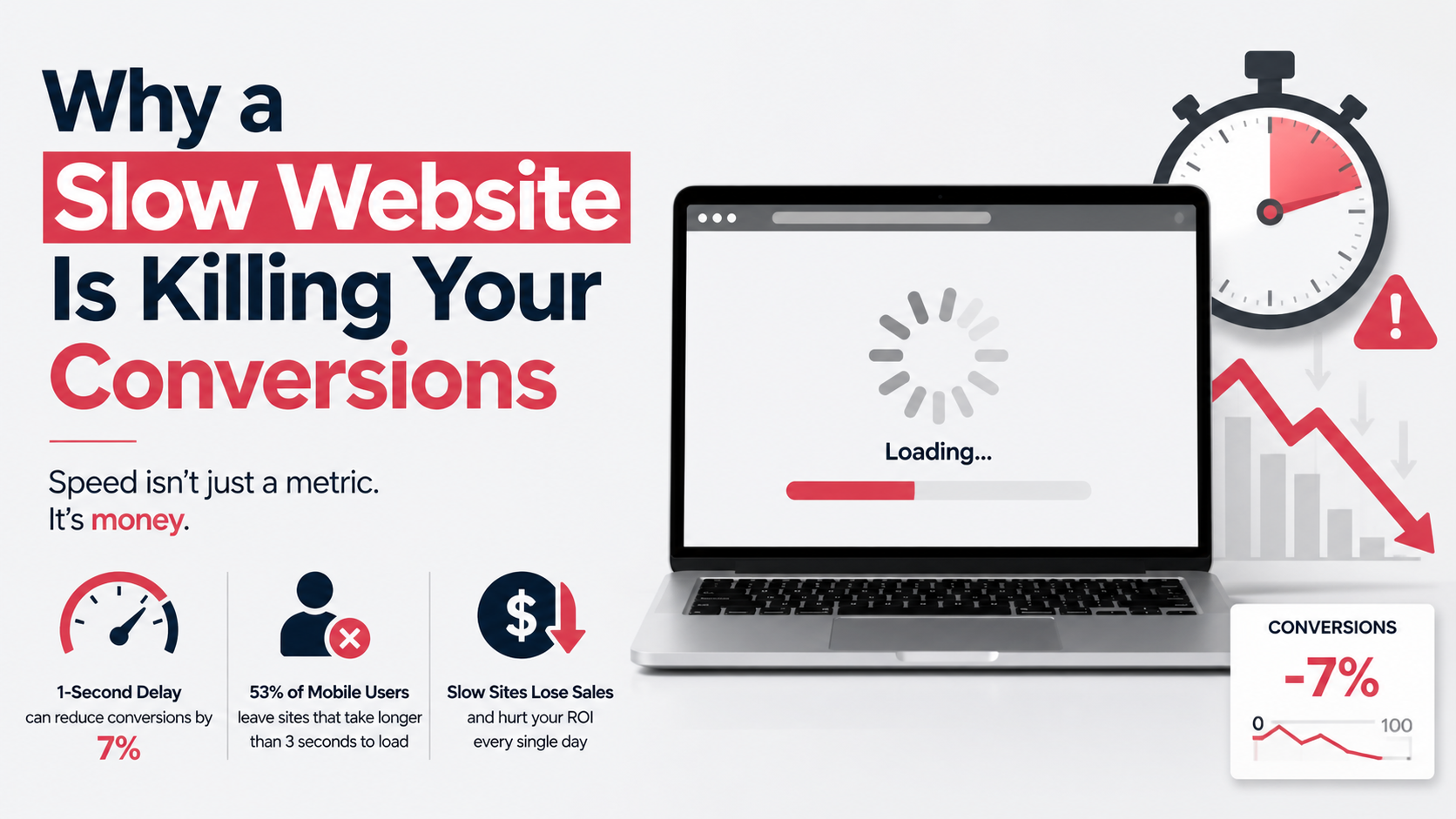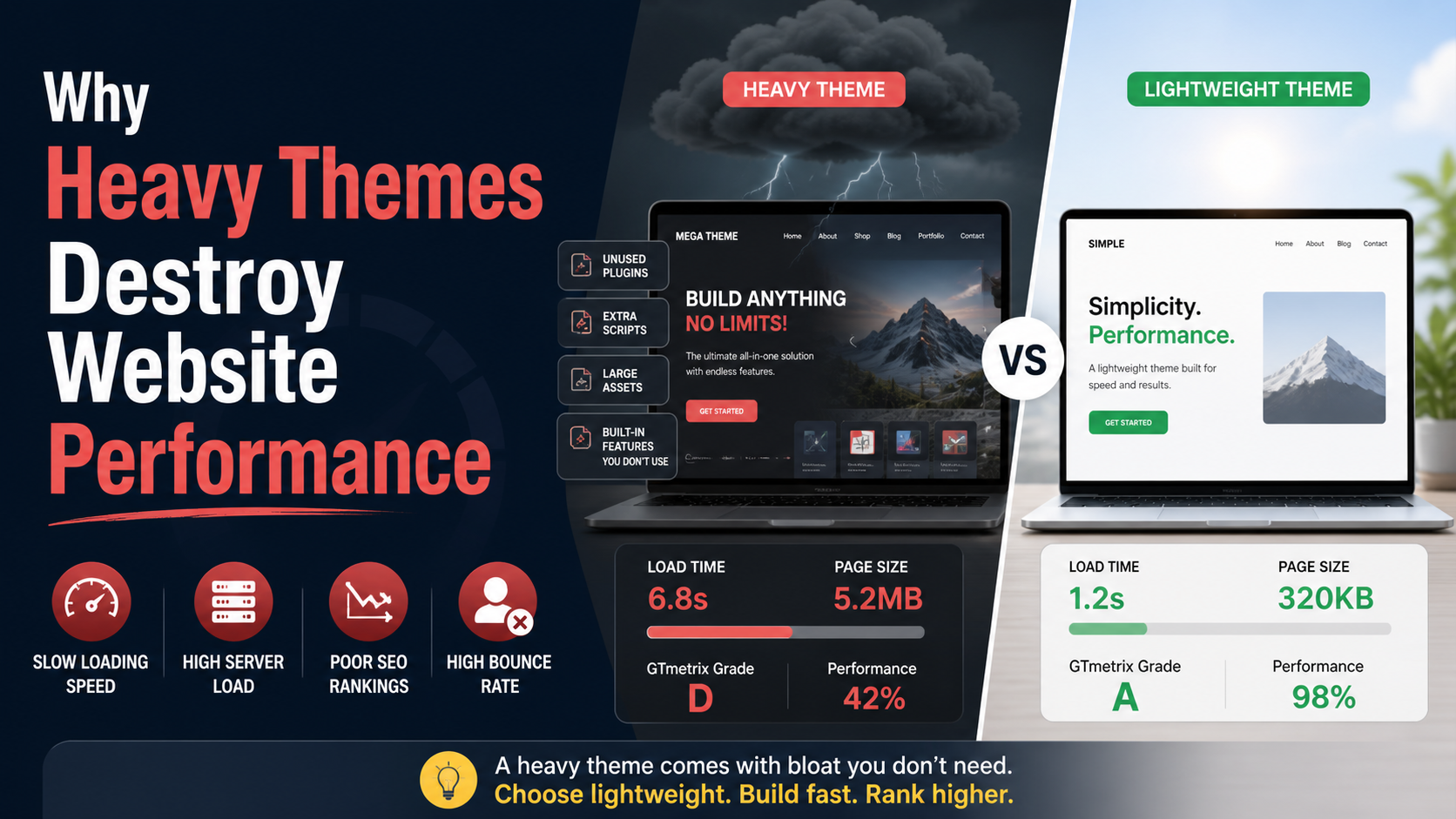
Pick any multipurpose WordPress theme marketplace and you’ll see the same sales pitch: one theme, hundreds of demos, dozens of plugins bundled, page builder integration, sliders, animations, unlimited colors. It sounds like you’re buying a complete website toolkit for sixty dollars. What you’re actually buying is a performance liability that will quietly work against your site’s speed, search rankings, and conversion potential from day one.
I’m not against themes. I’m against the assumption that a heavy theme is “good enough” for a business site that relies on traffic and leads. The technical reality is that heavy themes destroy performance not because of one fatal flaw but through a death-by-a-thousand-cuts process: unused code loaded everywhere, overbuilt DOM structures, render-blocking assets, and a dependency chain that turns even simple content pages into multi-second loading experiences.
In this article, I’ll explain exactly what happens inside a heavy theme—technically and practically—and how that directly undermines the metrics that matter most to a business.
A heavy theme’s primary promise is flexibility. To deliver that flexibility, the theme ships with every possible feature pre-built: portfolio post types, testimonial sliders, parallax sections, animated counters, mega menu options, multiple header and footer layouts, WooCommerce styling even if you’re not running a store, and integration styles for plugins you may never install.
When a visitor loads any page—say, a simple contact page—the theme’s PHP and asset loader typically enqueue the combined CSS and JavaScript for all those features. The browser downloads, parses, and applies thousands of lines of CSS that style elements nowhere present on the current page. The JavaScript engine parses and compiles slider logic, animation libraries, and lightbox scripts that sit idle because there’s no slider on the contact page.
This isn’t a theoretical waste. Lighthouse’s “Reduce unused CSS” and “Reduce unused JavaScript” audits often flag 80–90% of a heavy theme’s stylesheet as unused on a typical page. That’s raw kilobytes—sometimes megabytes—of data that consume bandwidth and CPU time with zero contribution to what the visitor sees or interacts with.
The server-side cost is equally real. A heavy theme’s functions.php may load dozens of include files, register shortcodes, add custom post types, and hook into WordPress actions that fire on every request regardless of the specific page template. Even with opcode caching, this extra PHP execution increases Time to First Byte (TTFB) because the server has to process more code before it can send any HTML.
You end up with a site where a plain text page loads as if it’s an interactive application, purely because the theme can’t be selective.
When a browser receives HTML, it builds a Document Object Model (DOM)—a tree structure representing every element on the page. Heavy themes inflate the DOM dramatically. A simple content section might be wrapped in five nested <div> elements to accommodate a page builder’s row, column, widget, and inner wrapper structure. A navigation menu might output dozens of list items even when collapsed, because the theme supports four levels of dropdown. Animated icons and container spacers add non-semantic elements that exist only for visual effect.
A typical heavy theme homepage can easily exceed 2,000 DOM nodes. Lighthouse issues warnings at over 800 nodes; Google’s web.dev guidance suggests a DOM size under 1,500 nodes as a reasonable target, with deeper concern above that. Every extra node increases the time the browser spends building the DOM tree, computing styles, and performing layout. On low-powered mobile devices—which represent a huge portion of business site traffic—this parsing time directly delays when the page becomes visually ready and interactive.
A bloated DOM also increases memory usage. The browser’s rendering engine holds the entire DOM in memory. When a user scrolls, interacts, or triggers any JavaScript that queries the DOM, the cost of traversing a large tree adds up. Animations stutter. Button clicks lag. The user doesn’t know about DOM nodes; they just know the site feels sluggish compared to faster competitors.
The three Core Web Vitals Google uses to evaluate page experience—Largest Contentful Paint (LCP), Cumulative Layout Shift (CLS), and Interaction to Next Paint (INP)—suffer directly under heavy themes.
LCP measures when the largest visible content element (hero image, heading, video poster) finishes rendering. A heavy theme delays this in multiple ways. Render-blocking CSS and JavaScript prevent the browser from painting anything until those resources load and execute. If the theme loads a 300KB stylesheet synchronously in the <head>, the browser must download, parse, and apply it completely before it can render the hero. An animation library loaded early can compound that delay.
Server-side bloat worsens TTFB, which directly eats into the LCP window. If the server takes 1.2 seconds to send the first byte because the theme’s PHP is heavy, the browser can’t even start discovering the LCP image until that moment. Add a lazy-loaded but unoptimized hero image with no explicit dimensions (which the browser can’t reserve space for early), and LCP easily slips past 4 seconds—well beyond Google’s 2.5-second threshold.
Heavy themes often load web fonts, third-party widgets, and dynamic content that arrive after the initial layout is painted. If a font swap causes text to reflow, or a promotional banner injects itself above the hero after the user starts scrolling, the page layout shifts. Google penalizes these instabilities through CLS.
Some theme demos rely on JavaScript to reposition elements after the DOM loads—inserting padding for a sticky header, for example. If that header height isn’t reserved in the initial CSS, the entire page jumps down the moment the JavaScript runs. That jump might happen right as the user tries to tap a link, turning a conversion click into a mis-tap and a frustrated exit.
INP measures how quickly the page responds to interactions like clicks, taps, and key presses throughout the user’s visit. Heavy themes that load large JavaScript files compete for the main thread. A visitor clicks a mobile menu toggle, but the browser is still processing a slider script or an analytics tracker. The menu doesn’t respond for 300 milliseconds. That’s a measurable delay that Google now evaluates. On a busy main thread, INP scores degrade, and the site’s page experience signal weakens.
Heavy themes don’t only hurt front-end performance; they make the WordPress admin painfully slow. The theme might load its own admin panel with dozens of options tabs, each pulling in color pickers, font selectors, and preview scripts that rely on JavaScript frameworks. A post editor that uses a bundled page builder loads the builder’s interface on top of the standard WordPress editor, often adding incremental requests and heavy DOM overhead to the admin screen.
When the admin panel is sluggish, site maintenance becomes a chore. Small updates take longer. Troubleshooting a layout issue requires clicking through multiple sluggish option pages. The friction discourages the regular content updates that search engines and visitors reward. In a very real sense, the heavy theme raises the operational cost of keeping the site alive and current.
Heavy themes often bundle “premium plugins” as part of the package: sliders, page builders, form builders, and gallery plugins. At first glance, this looks like a great deal. In practice, it means the theme loads not just its own code, but the code of every bundled plugin—even if you never activate them. And when you do activate them, each plugin independently enqueues its own CSS and JS files without coordination.
Worse, the theme’s reliance on a specific page builder creates a lock-in effect. You can’t remove the builder without rebuilding every page. So you’re stuck with a tool that generates shortcode-heavy content wrapped in <div> soup, which persists in your database even if you later switch themes. The performance debt of that generated markup can outlive the theme that created it.
Often the same functionality—a simple slideshow or a call-to-action box—could be built with a few lines of clean HTML, CSS, and a lightweight custom block. Instead, a heavy theme loads an entire third-party plugin to accomplish a task that didn’t need it. That’s not flexibility; it’s overhead dressed up as features.
Some heavy themes query the database in ways that are surprisingly expensive for what appears to be a simple page. A theme might use WP_Query or direct SQL to pull recent posts for a dynamic sidebar, popular posts for a footer widget, and related portfolio items for a bottom section, all on a single page view. If the site doesn’t have an object cache, those queries hit the database directly on every uncached request.
Multiply those queries across concurrent visitors, and the database server becomes the bottleneck. TTFB climbs. The page sits blank while MySQL sorts through unindexed meta queries that a heavy theme’s “popular posts” widget triggered. The business owner looks at a waterfall chart in WebPageTest and sees a long green bar for “Waiting (TTFB)” and doesn’t understand that a theme decision made months ago is the root cause.
Every technical issue I’ve described has a direct business consequence. A large prospective customer types your business name into Google, clicks the result, and waits. Two seconds of white screen. Three seconds. The phone screen half-loads, then a font swap causes the headline to jump. The menu button won’t respond. They press back and click the next result—a competitor whose site loads in under a second because it was built without a heavy theme’s overhead.
The conversion loss isn’t just about bounce rate on that single page. It cascades through search rankings. Slow LCP and poor INP scores weaken the page experience signal. The site drops a position or two for a key commercial term. Organic traffic ticks downward. Fewer visitors arrive at the top of the funnel, and those who do arrive find a sluggish, unresponsive experience that discourages further browsing.
For paid advertising, the economics get uglier. Every click costs money. A slow landing page reduces the chance that the paid click turns into a lead. The cost per acquisition rises. Campaigns that should break even become unprofitable—not because the offer is wrong, but because the technical platform can’t deliver the page fast enough to keep the visitor’s attention.
A common reaction to a slow heavy theme is to install a caching plugin and a CDN and call it done. Caching helps with TTFB for repeat visitors and page-delivery speed for static resources, but it does nothing to fix bloated DOMs, unused CSS inlined in the head, or heavy JavaScript execution time. A cache can serve a 2MB page faster, but the browser still has to parse that 2MB page, with all its nodes and scripts, on the user’s device. The phone still chokes.
CDN can edge-cache assets, but if those assets (massive CSS files, uncompressed images) are heavy to begin with, the CDN just delivers the weight from a closer location. The root problem—too much code—remains.
Optimizing a heavy theme can be done, but it’s often a battle of constant overrides: using plugins to dequeue other plugins’ assets, writing critical CSS to patch over render-blocking, stripping out unwanted theme features with hooks, and hoping an update doesn’t break the fragile house of cards. For a serious business site that depends on web performance, this is a costly way to live.
The most reliable way to avoid heavy theme performance destruction is to not install the heavy theme in the first place. A custom WordPress theme—or a purpose-built lightweight foundation—starts from the opposite premise: load only what a specific template needs. If a page has no slider, no slider script loads. If the site doesn’t use Google Maps, the Maps API isn’t enqueued. The CSS file sent to the browser contains only the styles that actually apply to the current page.
This approach requires thoughtful development, not page-builder dragging. It means writing templates that output semantic, minimal HTML. It means registering and enqueuing assets per template conditional, not globally. It means building features like testimonial carousels with a few lines of vanilla JavaScript instead of a third-party library. The result is a site that ships very little code to the browser and consequently loads fast on any device.
I build sites this way because performance isn’t an afterthought you patch onto a heavy theme; it’s a structural property. If you’re starting fresh and a website’s speed and conversions matter to you, that’s exactly what custom WordPress development delivers—a clean build with zero unused code, a lightweight DOM, and loading behavior that respects the user’s bandwidth and device.
For an existing site already weighed down by a heavy theme, the path is more nuanced. Sometimes the pragmatic step is a focused WordPress speed optimization engagement that surgically removes what’s dragging performance down: critical CSS injection, unused script elimination, image pipeline fixes, and server-side improvements that buy time while a longer-term rebuild is planned. Either way, the outcome is a website that loads like a modern business asset should—fast, stable, responsive.
Heavy themes are not inherently evil. They serve a market: people who need a quick, visually dense site and don’t run a business that depends on every second of load time and every conversion click. But if you’re in the position where website performance affects revenue, leads, or search visibility, a heavy theme is not a foundation. It’s a liability with a nice demo homepage. The good news is that this liability is entirely replaceable, and the moment you shed that weight, the performance improvement is immediate, measurable, and real.