Most conversations about website speed start and end with bounce rate. That’s a mistake. Bounce rate is a symptom. The outcome that actually matters—the one that pays bills, justifies ad spend, and grows a business—is conversions. And a slow website doesn’t just dent conversions. It silently dismantles them while the owner blames the offer, the traffic source, or the market.
I work with WordPress sites that have one job: turn visitors into leads, signups, or sales. When those sites slow down, even by a second or two, the math turns ugly. Not because of abstract user experience theory, but because of how people behave, how search engines evaluate sites, and how the technical stack either supports or strangles the conversion path.
In this article, I’ll explain precisely why a slow website kills conversions. I’ll go deeper than the usual “faster sites convert better” line. I’ll walk through the underlying mechanics—psychological, technical, and search-related—and tie them directly to what happens inside a WordPress installation when speed falls apart.
Conversions require trust. Whether you’re selling a product, capturing an email, or asking someone to call, the visitor needs to believe the site works properly and that the business behind it is competent.
When a WordPress site takes four, six, or eight seconds to load—especially on mobile—the brain interprets that delay as brokenness. Not “a little slow,” but unreliable. And unreliable businesses don’t get credit card details.
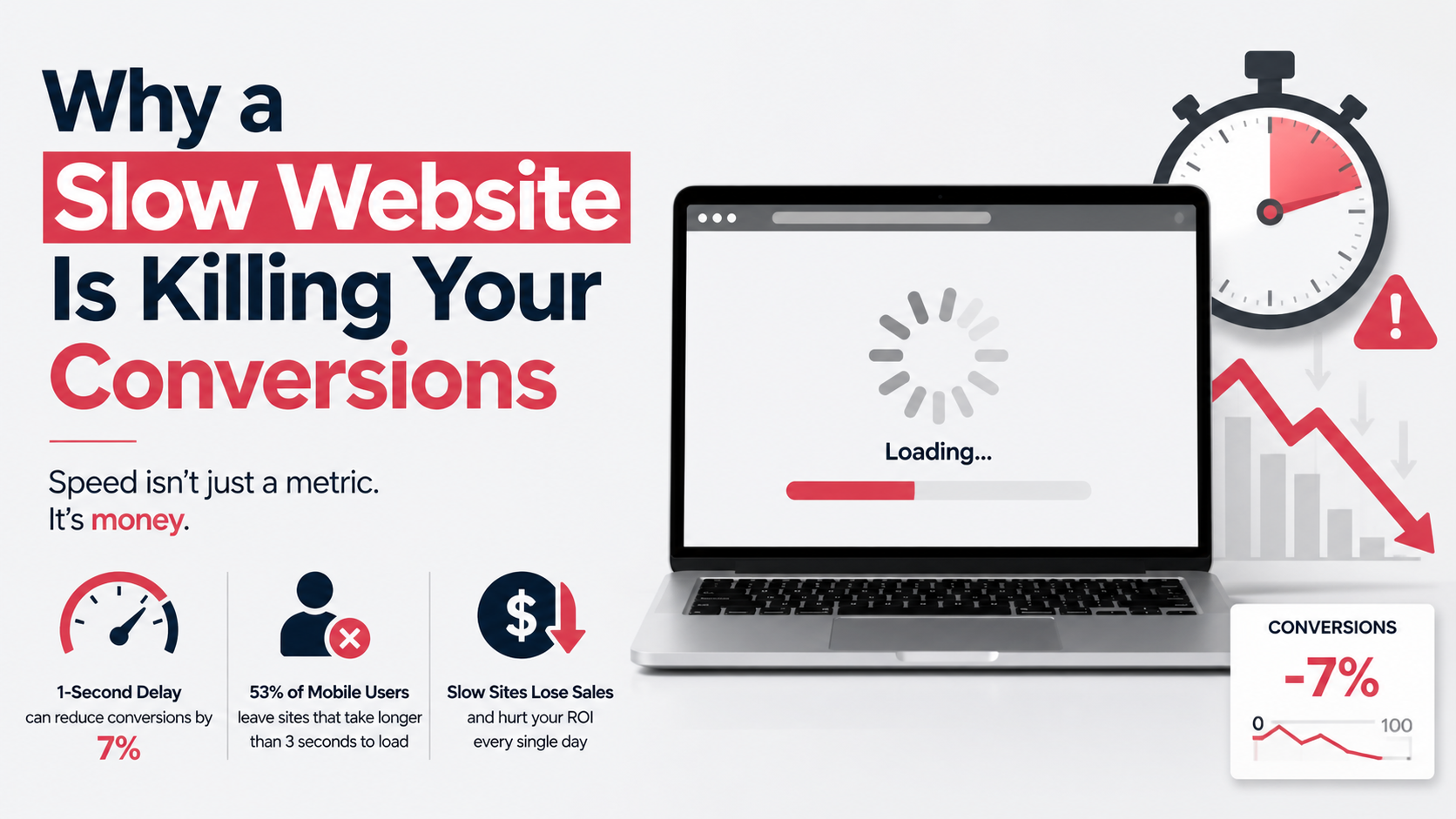
Google’s own research (widely referenced since 2017 and still directionally valid) showed that as page load time goes from one second to three seconds, the probability of a bounce increases by 32%. On mobile, where connection quality varies, the tolerance is even lower. If the site hasn’t painted something meaningful within two and a half seconds, a visitor who came to solve a problem is already drifting toward a competitor who loads faster.
That trust-eroding effect compounds on critical conversion pages. Checkout, booking forms, and contact pages are often heavier than blog posts—extra scripts, embeds, dynamic pricing, payment gateways, and tracking codes. When those elements delay the page’s interactivity, the user’s mental narrative shifts from “I’m ready to buy” to “something’s off here.” That hesitation is a conversion killer that no landing page copy can talk its way out of.
Talk to a marketer about speed and they’ll point to the landing page. But the damage starts much earlier. If your product pages, category archives, or even the homepage crawl under the weight of heavy images and unoptimized database queries, visitors don’t make it deep enough to see a call to action.
In WordPress, archive pages are deceptively expensive. A default blog index might fire off dozens of queries per post if the theme calls full-sized thumbnails, post meta, and comments for each item. Multiply that by ten posts per page on uncached dynamic requests, and the server response time balloons. The user clicks a category link from Google, waits three seconds for the first byte, then sees images pop into place. That discomfort—the staggered, half-loaded screen—discourages clicking further. By the time they reach the product page, their mental momentum is gone.
I’ve traced this exact pattern on WooCommerce stores. A category page loaded with uncropped product images and unfiltered database overhead took over six seconds to become interactive. The store owner saw decent traffic but a miserable add-to-cart rate. The technical root was slow server-side rendering and no object caching. The conversion symptom? People saw the product grid slowly assemble and assumed the store was unreliable. They left.
For conversion-focused sites, WordPress performance isn’t a vanity metric. It’s infrastructure. Let’s map specific slowdown causes directly to their conversion consequences.
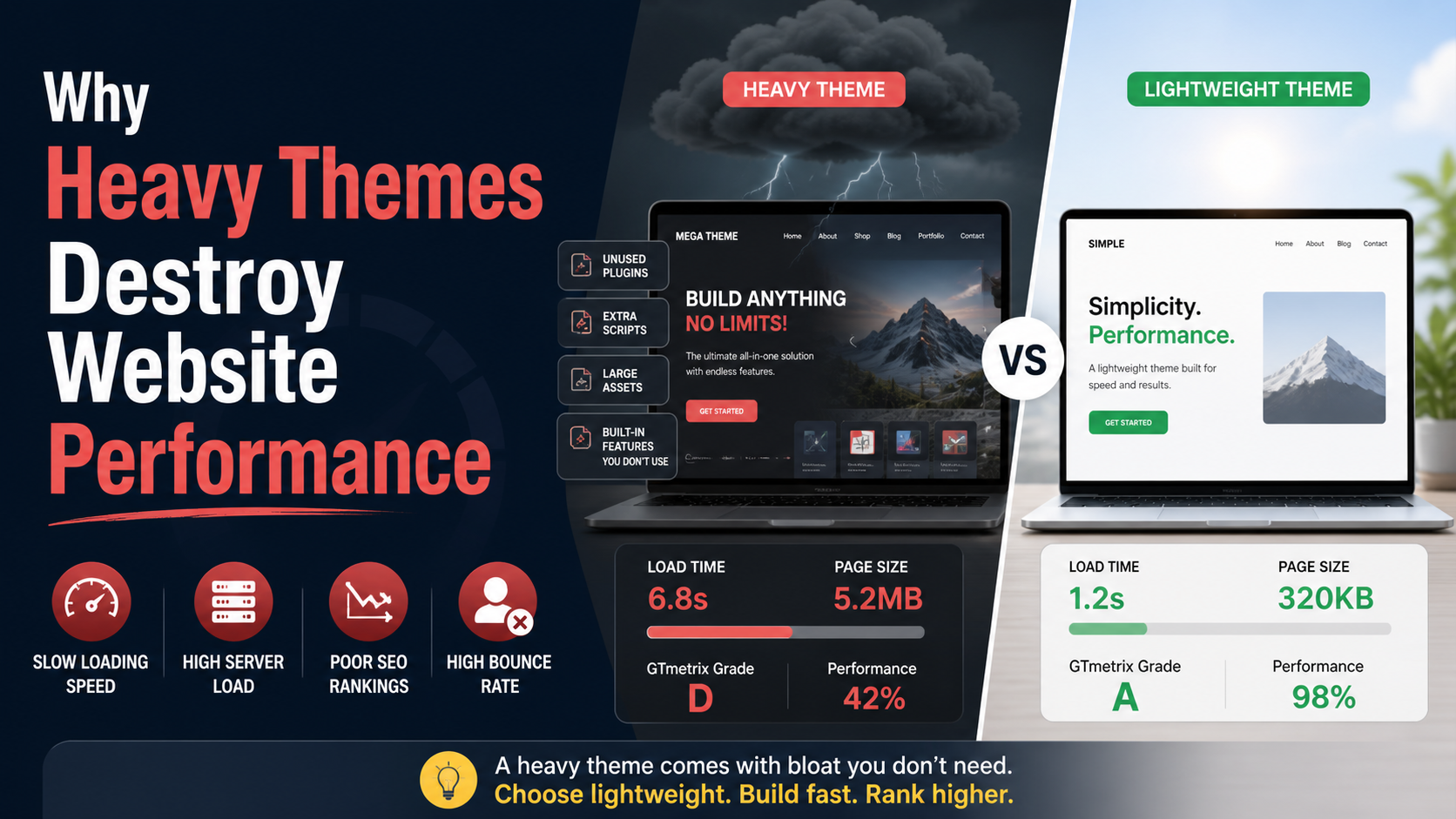
Many multipurpose themes and page builders generate massive DOM sizes—unnecessary wrapper divs, inline styles, and hidden elements that slow rendering. When the browser has to parse thousands of nodes before the “Buy Now” button becomes visible or clickable, real users on real devices feel the lag.
This directly inflates LCP (Largest Contentful Paint) —a Core Web Vital that measures when the main content loads. Google uses LCP as a ranking signal. If your product image or headline takes too long to render, you lose organic traffic and conversion potential on the same page.
Product images, hero banners, and background photos routinely arrive uncompressed or in slow modern formats like JPEG when WebP or AVIF would cut file size by half with no visible quality loss. Without lazy loading, the browser fetches all images upfront, burning bandwidth and delaying the hero section.
For conversion, think of the moment a visitor tries to click “Add to Cart” but the button shifts because a late-loading image pushes the layout. That’s a Cumulative Layout Shift (CLS) problem—also a ranking factor—and it literally moves the conversion element away from the visitor’s finger. I’ve seen this on mobile checkout pages where the “Place Order” button jumps beneath the fold right as the user taps. That single moment destroys an entire sale.
Every WordPress plugin can enqueue CSS and JavaScript files globally, even on pages that don’t need them. A slider plugin might load its scripts on the checkout page. A social sharing widget might load tracking scripts on the cart. These extraneous requests block rendering and delay the time until the page is interactive—FID (First Input Delay) or the newer INP (Interaction to Next Paint).
When a product page’s variation selector takes two seconds to respond because some chat plugin’s JavaScript is fighting for the main thread, visitors abandon the attempt. They’re not patient. They’re comparison shopping.
WordPress stores everything from post revisions to transients in the wp_posts and wp_options tables. Over years, a site can accumulate hundreds of thousands of rows of autoloaded data that get loaded on every single request. That increases Time to First Byte (TTFB) dramatically—sometimes by over a second.
A slow TTFB keeps the server from sending any HTML at all. The browser sits with a white screen. Conversions don’t happen on white screens. When a visitor clicks a link and sees nothing for three seconds, they hit the back button. This is especially brutal for PPC campaigns where every click costs money.
Shared hosting that oversells resources leads to CPU contention and I/O bottlenecks. If your host doesn’t provide server-level page caching, or if you’re serving all requests dynamically to PHP without memcached or Redis object caching, the server generates each page from scratch on every visit. During even moderate traffic spikes, response times degrade.
On a conversion level, this inconsistency is dangerous. A returning customer who had a fast experience yesterday might hit a slow server today and reconsider their purchase. Trust built over multiple visits erodes in a single slow session.
A slow site doesn’t just lose visitors who already arrived; it prevents new visitors from arriving at all. Since mid-2021, Google has used Core Web Vitals—LCP, FID/INP, and CLS—as ranking factors in the page experience signal. For competitive commercial keywords, pages that fail these thresholds slide down the SERPs.
When your landing page drops from position three to position eight because LCP is 5.2 seconds instead of under 2.5, the loss in click-through rate is direct conversion damage. You’re not just converting fewer of the visitors you get; you’re getting fewer qualified visitors to begin with.
Google also uses mobile-first indexing. If your WordPress theme looks good on desktop but loads heavy unoptimized assets on mobile, the mobile version’s performance directly affects ranking. A slow mobile site loses organic traffic and then fails to convert the mobile traffic it does receive—a double penalty.
Crawling budget adds another layer. Slow server responses reduce the number of pages Googlebot can crawl per session. If your e-commerce or lead generation site has hundreds of product or service pages, some may remain unindexed or re-crawled infrequently. Fresh content, updated pricing, or new offers sit invisible, costing conversions you didn’t even know you could have.
Even when a visitor doesn’t bounce, slow load time shapes how they interact with the conversion funnel. They’ll browse fewer pages per session. They’ll hesitate on forms. They’ll abandon carts more readily when the checkout is sluggish.
Cart abandonment studies consistently show that complex or slow checkout processes push customers away. Long loading spinners between cart and payment gateway are moments of second-guessing. The customer thinks about shipping, taxes, alternatives. A smooth, near-instant transition keeps them in the transactional mindset. A two-second delay invites doubt.
On lead generation sites, slow form pages reduce submission rates even if users wait for the page to load. The mental cost of waiting—cognitive friction—makes the bar for completing a form higher. A fast page removes that resistance and lets the offer do the work.
When a WordPress site gets infected with malware—pharma hacks, redirect infections, cryptojacking scripts—the most visible early symptom is often a dramatic slowdown. Unknown JavaScript injections block rendering, malicious processes consume server resources, and the site’s response time spikes.
Visitors don’t need to see a warning message. They just experience a sluggish, broken-feeling site and leave. Simultaneously, Google Search Console may flag the site, leading to a “This site may be hacked” label in search results that decimates click-throughs.
This is where performance recovery ties directly to security. Cleaning malware isn’t just about removing the infection; it’s about restoring the speed and trust that makes conversions possible. A hacked site that remains slow post-cleanup usually still has compromised database entries, leftover injected code, or a damaged .htaccess that prevents proper caching. Full restoration means full performance testing.
The good news is that conversion-destroying slowness is, in most cases, a fixable technical problem. But it requires deliberate, methodical work—not a magic cache plugin checkbox.
First, the site needs a proper audit that goes beyond a PageSpeed Insights score. I measure real user metrics, server response time, database query counts, third-party script impact, and rendering bottlenecks. I look at how the theme’s template hierarchy loads critical content and whether dynamic features are built efficiently or just assembled from heavy plugins.
Common fixes I implement for conversion-critical WordPress sites include:
When I build a site from scratch, I avoid these problems structurally. Custom WordPress development lets me load only necessary assets on each template, use performant UI patterns, and integrate caching logic into the architecture itself rather than slapping it on later. For existing sites, a focused speed optimization engagement targets specifically the factors that hurt conversions.
Sometimes the problem is deeper than performance. If a site has been compromised, the first step is a thorough malware removal that reinstates a clean, fast environment. Without that, any optimization effort falls apart under the weight of injected malicious code.
Many site owners think speed optimization is a “nice to have” to do after design, content, and marketing are set. That’s backwards. Speed is the delivery mechanism for all those investments. Every dollar spent on ads, every hour spent on copywriting, every product photo—all of it depends on the page loading fast enough for the visitor to care.
The cost of ignoring speed isn’t hypothetical. If a site generates revenue, a one-second delay might cut conversions by 5% to 7% based on aggregated industry data (think Amazon’s famous 1% revenue drop per 100ms). The ROI of fixing speed for a conversion-oriented site is often the highest single technical investment possible.
But this isn’t a post about percentages and calculators. It’s about the moment a visitor who wants to buy your product encounters a blank screen, a janky page, a button that won’t click. That moment, repeated across hundreds or thousands of visits, subtracts revenue silently. The business owner blames the product-market fit. In reality, the site just didn’t work fast enough.
If you’re seeing traffic but not conversions, check your load times on the pages that matter most—checkout, contact, pricing. Use WebPageTest on a real device with a realistic connection speed. Look at TTFB, LCP, and total blocking time. If numbers don’t make sense, get someone who lives in this technical layer to explain them.
A slow WordPress site kills conversions in ways that are measurable and preventable. It undermines trust, cripples search visibility, and introduces friction exactly where the business needs momentum. Fixing it isn’t about chasing a perfect score; it’s about removing the silent barrier between a visitor’s intent and their action.
If your site is bleeding conversions and you suspect performance is the root cause, the fixes are rarely arbitrary—they come from understanding what’s really happening under the hood. I help businesses dig into that layer, whether through a one-time speed optimization overhaul or by rebuilding the site’s foundation so performance is inherent, not patched. The goal isn’t a fast site for a report card; it’s a site that converts before the visitor’s patience runs out.