A clinic website usually fails long before the owner realizes it.
Not because it crashes. Not because the hosting expired. It fails quietly — slow loading pages, broken appointment forms, confusing mobile layouts, outdated doctor profiles, or a site that simply does not build trust fast enough.
And in healthcare, trust is everything.
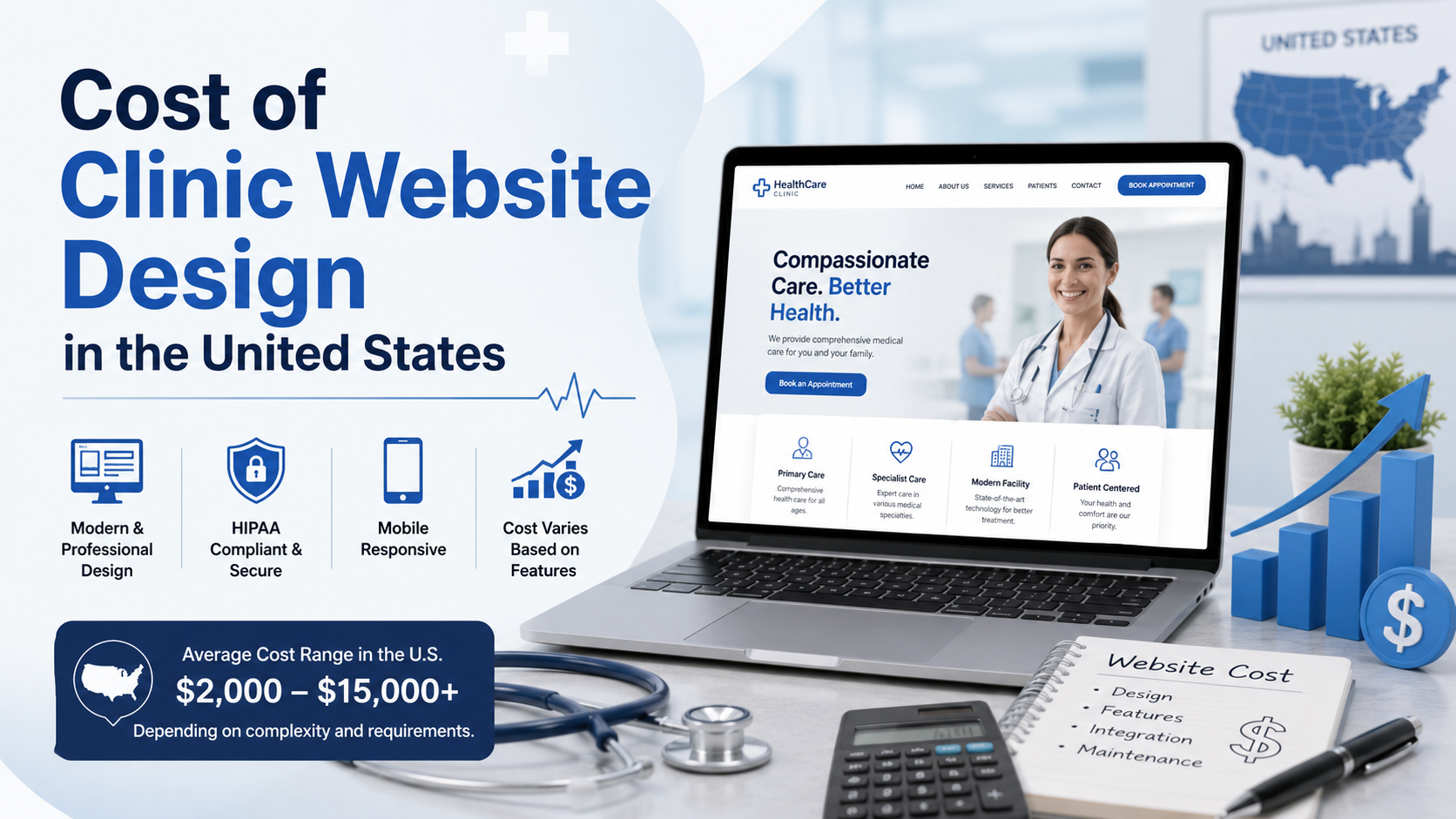
The problem is that many clinic owners treat website pricing like they are buying a brochure. In reality, they are paying for structure, performance, patient experience, compliance considerations, and lead generation. That is why the Cost of Clinic Website Design in the United States can range anywhere from a few hundred dollars to well over five figures depending on how the site is built.
The difference is not just design quality. It is whether the website actually helps your clinic grow.
Most business owners compare websites visually.
If two clinic websites “look similar,” they assume the cheaper one is the smarter option. Technically, that is rarely true.
A professionally developed clinic website involves:
A template installer can make a website look complete in three days. A proper WordPress professional spends time fixing the things users never consciously notice — because those invisible details affect conversions.
Here is the realistic pricing range I see most often.
| Website Type | Typical Cost Range | What You Usually Get |
|---|---|---|
| Basic template setup | $500 – $1,500 | Generic theme, limited customization |
| Small professional clinic site | $2,000 – $5,000 | Custom layouts, optimized structure, booking forms |
| Multi-location clinic website | $5,000 – $12,000 | Scalable architecture, SEO setup, advanced integrations |
| Custom healthcare platform | $12,000+ | Fully custom functionality and workflows |
The lower end of the market often focuses on appearance only.
The higher end focuses on performance, maintainability, patient conversion, and long-term operational efficiency.
That distinction matters more than most clinic owners realize.
A simple informational website is relatively straightforward.
But clinics often require:
Every added function increases development complexity.
And poorly integrated plugins create problems later — especially during updates.
A slow clinic website damages trust immediately.
Healthcare users are impatient because they are often searching during stressful situations. If your mobile site stalls for even a few seconds, users leave.
Google also uses performance metrics like Core Web Vitals to evaluate user experience. You can review Google’s official documentation here:
Google’s Core Web Vitals guidelines
What most agencies do:
Install a heavy premium theme with animation effects and dozens of plugins.
What a developer actually does:
Reduce unnecessary scripts, optimize database queries, compress assets properly, and build cleaner layouts that load faster on mobile networks.
That difference affects enquiries more than fancy animations ever will.
You can usually spot it quickly.
These issues are common in rushed builds where long-term stability was never considered.
A proper development team builds websites to survive updates, traffic growth, and future changes.
Many clinic websites still ignore accessibility basics.
That creates usability problems for older patients, visually impaired users, and mobile visitors.
Simple improvements like:
…make a measurable difference in usability.
The W3C accessibility guidelines explain why accessible design matters for real users, not just compliance checklists:
W3C accessibility fundamentals
A clinic website should reduce friction, not create it.
A clinic owner contacted me after spending money on paid ads that were generating traffic but very few appointment enquiries.
The homepage looked visually modern, but the mobile site took nearly 5 seconds to become interactive.
The issue was not hosting alone.
The previous team had installed:
The setup created script conflicts and unnecessary page weight.
I removed redundant plugins, rebuilt sections using lighter components, optimized image delivery, and restructured the mobile layout.
The load time dropped significantly, but more importantly, users could interact with the appointment form much faster.
Within weeks, the clinic reported noticeably better enquiry consistency from mobile visitors.
This is why website cost should never be evaluated only by the initial invoice.
Cheap builds often create expensive business problems later.
Healthcare websites are frequent targets because outdated plugins and weak admin setups are easy entry points.
Many low-cost developers disappear after launch, leaving the clinic owner with:
The official WordPress hardening documentation explains the importance of ongoing security maintenance:
WordPress.org hardening guide
This is also why ongoing maintenance matters.
A website is not a one-time purchase. It is operational infrastructure.
For clinics needing long-term stability, proper maintenance plans usually prevent far bigger issues later.
Before approving any proposal, ask these questions:
Most clinic owners never ask these questions.
That is exactly why many websites need rebuilding within two years.
This is the part many businesses learn late.
A low-cost website often requires:
In many cases, rebuilding the site properly costs less than continuously patching a poorly structured one.
That is why clinics investing in custom development usually see better long-term operational stability.
If your site already feels slow, outdated, or difficult to manage, this is exactly the type of audit and restructuring I provide for my clients through my custom WordPress development service and speed optimization work.
The goal is not to add more features. The goal is to remove the friction stopping patients from contacting you.
The real Cost of Clinic Website Design in the United States is not measured by how much you spend upfront.
It is measured by how well the website performs under real business conditions — mobile traffic, patient trust, search visibility, speed, security, and usability.
Most websites try to impress users. The best ones remove friction. And that difference is what users remember—and what businesses profit from.