Most business owners look at their website and see an aesthetic layout. The pages load, the phone number is visible in the header, and a contact form sits on the designated page. Because it passes this surface-level check, they assume the platform is functional. When inquiries dry up or sales stall, the immediate reaction is to blame external forces: the ad campaigns are poorly targeted, the offer isn’t compelling enough, or market demand has shifted.
In my experience as a developer, that diagnosis is usually incorrect. Far more often, the website itself is actively turning away high-intent traffic due to a collection of invisible, unaddressed technical errors.
A website is a dynamic software stack, not a static brochure. When individual layers of that stack degrade—whether through database fragmentation, script conflicts, or poor asset orchestration—the user experience breaks down. These errors introduce structural friction at the precise moment a user attempts to trust your brand, complete a form, or purchase a product.
Below is an analytical breakdown of the technical and structural website mistakes that cost you customers, the engineering realities behind why they occur, and what is required to permanently resolve them.
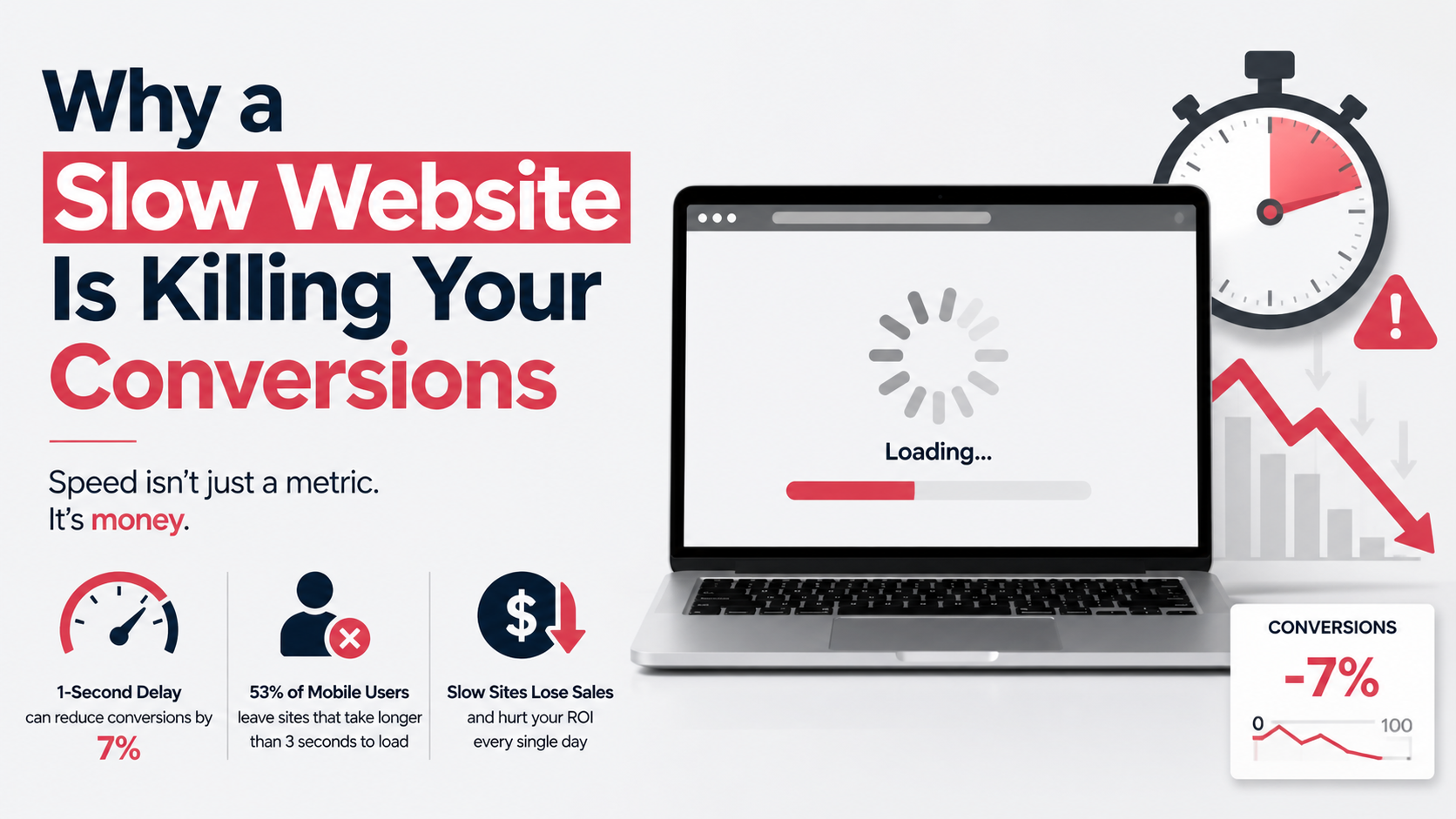
Speed is often discussed in vague marketing terms, but it is fundamentally a network and rendering issue. When a visitor clicks a link to your site from an organic search result or a paid ad, they operate with a minimal attention span. If they stare at a blank white screen for three to four seconds, they hit the back button. That single action costs you a customer and wastes your customer-acquisition budget.
Many slow sites suffer from a combination of high Time to First Byte (TTFB) and an unoptimized critical rendering path. TTFB is the duration between the browser’s initial HTTP request and the reception of the first byte of data from the server.
[User Browser] ----(HTTP Request)----> [Server: PHP Processes Core + Plugins]
                                                  |
                                       [Database: Runs Complex Queries]
                                                  |
[User Browser] <---(First Byte Sent)--------------+ (High TTFB Link)
In heavy WordPress environments, a high TTFB is usually caused by:
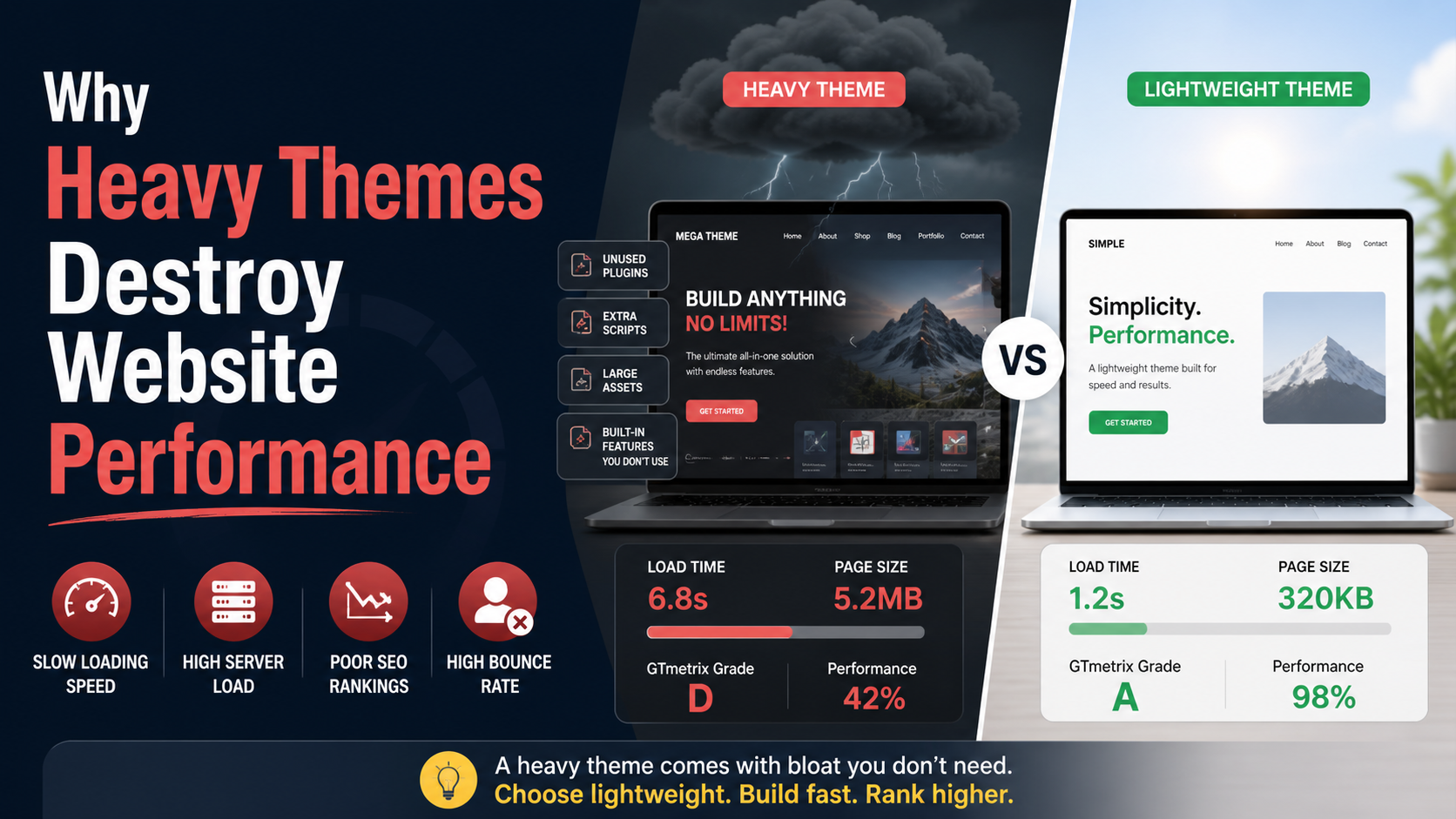
wp_options table. If this table accumulates thousands of rows of orphaned data from uninstalled plugins, and a large percentage of those rows are set autoload, the server must read all that data into memory before it can even begin compiling the page layout.Google formalizes this user experience through Core Web Vitals, specifically Largest Contentful Paint (LCP), which measures when the main visual content of a page finishes rendering. An optimal LCP is under 2.5 seconds. When a site relies on heavy page builders that output deep, nested DOM structures paired with uncompressed desktop images served to mobile devices, the LCP pushes far past acceptable limits.
Fixing this requires an engineering approach rather than piling on additional frontend performance plugins, which often add their own execution overhead. The database needs to be thoroughly cleaned of transient records and orphaned entries.
Unused scripts must be dequeued entirely, and remaining scripts should be deferred or asynchronous so they do not block the initial page render. For production platforms experiencing structural lag, leveraging a comprehensive wordpress speed optimization service is the most reliable way to refactor asset delivery and drop loading times below the critical two-second threshold.
It is common for business operators to review and sign off on website designs while looking at a large desktop monitor. However, analytics data consistently shows that mobile devices drive the vast majority of consumer and B2B traffic. When a site layout forces desktop design paradigms onto a mobile viewport, it introduces severe usability issues.
Many sites achieve mobile responsiveness through automated scaling rules inside pre-built themes, rather than intentional mobile-first development. This results in several distinct UX failures:
CSS
/* Avoid: Fixed widths that cause horizontal viewport breakage */
.conversion-card {
    width: 580px;
}

/* Correct: Fluid sizing rules for predictable scaling */
.conversion-card {
    width: 100%;
    max-width: 580px;
    box-sizing: border-box;
}
When a mobile visitor encounters an interface that requires pinching to zoom, text blocks that overlap, or form fields that obscure the screen when the keyboard pops up, they leave. Furthermore, because Google operates strictly on mobile-first indexing, a degraded mobile experience directly harms your desktop search engine positions as well.
Develop and test layouts using a mobile-first framework. Ensure all interactive components have a minimum touch target size of 48×48 pixels with clean padding separations. Text elements should use relative units (such as rem or em) to maintain legibility across various screen resolutions. If your current theme relies on restrictive layouts that resist fluid scaling, it may be time to consider migrating toward clean custom wordpress development to gain complete control over how your layouts behave across all viewports.
There is a particularly frustrating category of platform failure where everything on the surface looks pristine, traffic is normal, yet inbound leads completely vanish. This occurs when lead collection forms break silently without throwing a visible error to the end user.
By default, many content management systems use the server’s internal PHP mail() function to dispatch notifications. This function lacks the necessary authentication headers that modern mail servers look for. As a result, when a user submits a form, the email is frequently intercepted by security protocols at the receiving inbox and permanently dropped before it can even reach your spam folder.
Another common source of failure involves frontend execution bugs. During routine automatic updates, a plugin or theme update can introduce a hidden syntax error into your site’s JavaScript files. Because modern forms rely heavily on AJAX to transmit form data asynchronously without refreshing the whole page, an unrelated console error can completely halt the submission execution path.
JavaScript
// A visualization of a fatal frontend error breaking form delivery
function handleFormSubmission() {
    initBrokenThirdPartyTracker(); // Throws an unhandled exception

    // The execution thread terminates early; this crucial payload never runs
    jQuery.post(ajax_url, formData, function(response) {
        displaySuccessMessage();
    });
}
When this happens, a customer fills out the form, clicks the submit button, and watches an infinite loading spinner. They assume your system is broken, leave the page, and take their business to a competitor.
200 OK status response. Consistent oversight via structured wordpress maintenance services ensures these silent technical breakdowns are intercepted and patched before they can cause long-term revenue loss.A user landing on your service or product page is looking for a clear, efficient solution to a specific problem. If your page layout fails to prioritize information cleanly, you create cognitive overload, causing the user to leave out of sheer confusion.
This issue frequently stems from using generic website templates out of the box without refining the overall information architecture. These templates are often designed to look visually complex rather than conversion-efficient, resulting in layouts that include:
When every element on a page shouts for equal attention, nothing gets noticed. A high-intent visitor should be able to look at your page and understand your value proposition, read supportive technical proof, and spot the exact step needed to initiate business within five seconds.
Streamline each page down to a single, primary objective. If the goal of a dedicated landing page is to secure an inquiry, remove distracting sidebars, secondary promotional links, and excessive navigation paths. Ensure your primary call-to-action button uses high-contrast design styling, is visible above the fold, and repeats naturally as the user scrolls down the page.
Trust is exceptionally difficult to cultivate online, but it can be demolished by a single automated security notice. If your site lacks basic technical trust protocols, web browsers will actively warn users to stay away from your domain.
Ensure a valid, auto-renewing SSL certificate is installed at the server level, and enforce global HTTPS routing via strict server-side 301 redirects or HTTP Strict Transport Security (HSTS) headers. Customize your site’s 404 error template to include an intuitive search field alongside clean links pointing back to your main service categories. These foundational fixes don’t require a ground-up design overhaul; they are simple engineering adjustments that protect your brand’s authority.
Many site operators believe their website is safe from cyber threats because their business isn’t a high-profile global brand. This assumption overlooks the reality of how modern web threats operate: automated malicious bots continuously scan the internet for known vulnerabilities in common plugin architectures and CMS configurations, completely indifferent to what your business actually sells.
When automated scripts successfully exploit an outdated plugin file or a weak administrator password, they rarely deface the homepage immediately. Instead, they insert malicious payloads into your core codebase or database tables designed to run silently. A common variant is the conditional mobile redirect:
[Search Engine Link] ---> [Your Infected Site]
                                |
               {Checks Referrer & Device Type}
                                |
           +--------------------+--------------------+
           |                                         |
     [Desktop Direct]                          [Mobile Search]
           |                                         |
 (Loads Normal Content)                 (Silent Redirect to Spam)
The script monitors the incoming visitor’s user-agent and referrer data. If you visit your site directly from a desktop computer, it loads perfectly normal. But if a potential customer clicks your listing from a mobile search result, the script intercepts the session and silently redirects them to an external spam or phishing portal.
Eventually, automated search engine web crawlers will identify the malicious script injections. Once flagged, Google blacklists your domain and replaces your search result snippet with a warning reading, “This site may be hacked.“ If a user attempts to type your URL directly, they are blocked by an imposing, bright red browser security screen.
Deceptive site ahead: Attackers on this domain may trick you into installing software or revealing your personal information (for example, passwords, phone numbers, or credit cards).
When your business domain gets hit with a warning of this magnitude, your organic search performance drops instantly and customer trust vanishes. Even after the site is cleaned, recovering your previous keyword positions can take months of technical rehabilitation.
Maintaining strong security requires proactive application hardening: enforcing complex authentication details, using server-level web application firewalls (WAF), and disabling direct file editing tools inside the admin panel. If your code architecture has already been compromised, do not rely on basic automated scanning plugins, which frequently overlook hidden backdoors hidden inside deeply nested directories.
Resolving a live hack requires utilizing an advanced wordpress malware removal service to systematically inspect your code infrastructure, isolate contaminated files, clean database injections, and secure the hosting environment against reinfection.
When a prospective customer lands on a website and notices that the “Latest Insights” feed hasn’t been updated in three years, or that a promotional banner is still advertising an offer that expired months ago, they form an immediate negative conclusion. They naturally wonder if the business is still actively operating.
In public-facing digital spaces, outdated content signals neglect. If a business appears to ignore its own main digital property, a user will assume that same lack of care extends to its customer service or product quality.
Beyond user perception, old and unmaintained content poses a technical SEO risk. Search engine crawl algorithms prioritize sites that demonstrate regular optimization and relevance. If your core service pages sit completely unedited for years, their organic visibility can slowly decay over time as more active competitors publish fresher material.
If you don’t have the internal resources to write weekly or monthly articles, remove date stamps from your layout entirely and eliminate any designated “Latest News” blocks from your homepage design. Conduct a structured content review every six months to verify that your service options, operational hours, physical location details, and case studies accurately reflect the current state of your business operations.
A website can feature exceptional design layouts and great copy, but if search engines struggle to crawl, parse, and index your internal page structure efficiently, your target audience will never discover you in search results.
rel="canonical" tags pointing back to the master product URL, search engines will index thousands of duplicate pages. This dilutes your ranking authority and wastes your server’s crawl budget.robots.txt configuration, search engine crawlers will encounter digital dead-ends, leaving valuable conversion pages completely unindexed.[Search Engine Bot] ---> [XML Sitemap] ---> [Broken URL (404)] <-- Crawl Stops
---> [Redirect Loop (301)] <-- Budget Wasted
Technical SEO is an infrastructure necessity, not an optional marketing add-on. You need to ensure your site features clean, semantic HTML tag nesting, optimized XML sitemaps submitted directly to Google Search Console, and explicit canonical paths across all product variations. Resolving deep indexing challenges and setting up structured schema deployments requires working alongside a dedicated freelance seo expert who can run targeted crawling software to find and eliminate underlying technical debt.
For platforms running WooCommerce or transactional e-commerce systems, the checkout pipeline is the most critical stage of the entire user funnel. Yet, this area is frequently weighed down by excessive requirements that drive immediate cart abandonment.
Transition your digital store toward a highly optimized transaction flow. Enable guest checkout by default, allowing users to complete purchases quickly and inviting them to save their details for an account after the payment confirmation page is displayed.
Streamline your input forms to collect only the absolute minimum billing and shipping fields needed to fulfill the order. If your digital shop scales to handle high numbers of concurrent shoppers, ensure your database queries and dynamic shopping cart fragments are explicitly optimized by an experienced woocommerce website developer to keep checkout transitions fast and responsive.
| Technical Failure Point | Immediate Technical Symptom | Direct Business Consequence | Core Engineering Fix |
|---|---|---|---|
| High TTFB & Asset Bloat | Slow LCP rendering times | High bounce rates, wasted marketing spend | Server-level caching, script deferral, database cleanup |
| Default PHP Mail Delivery | Email notification drops | Unnoticed, permanently lost customer leads | Transition to authenticated SMTP via transactional email APIs |
| Desktop-First Layouts | Viewport layout breakage on phones | Dropping mobile conversions, lower organic rankings | Mobile-first CSS breakpoints, accessible touch targets |
| Undetected Code Infection | Search engine domain blacklisting | Complete loss of customer trust and organic visibility | Deep server scanning, code cleanup, environment hardening |
| Friction-Heavy Checkout | High cart abandonment rates | Immediate loss of direct transaction revenue | Guest checkouts, form reduction, optimized cart fragments |
A successful, high-converting website is built on a clear reality: your platform is an active piece of business software, not an immutable graphic design project. Elegant visual choices and professional branding hold no value if your underlying code infrastructure fails. If your forms drop submissions, your server lags under database bloat, or your mobile interface frustrates users, your site will systematically turn away customers.
To protect your digital investments and maximize client acquisition, move away from treating your website as a hands-off brochure. Audit your performance metrics, monitor your email delivery infrastructure, secure your codebase against modern automated exploits, and eliminate every point of layout friction. Treating your platform as a living business tool ensures you stop losing ready customers to preventable technical errors.